Manual Part No.: 119514-00 Rev. 03
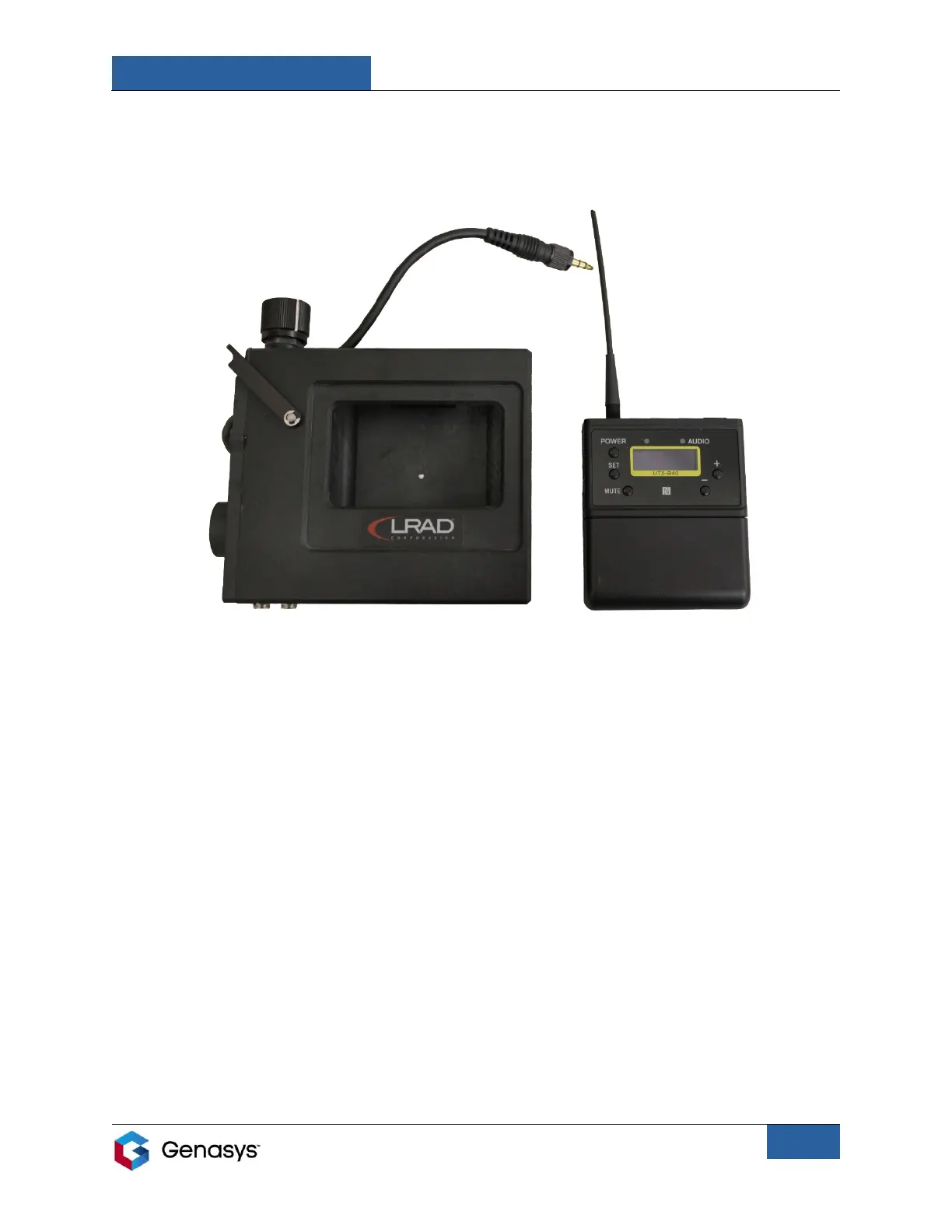
3. Remove the radio completely from the housing. This will allow access to the battery
compartment, located on the front of the radio, and the USB connector, located on the left
side.
IMPORTANT NOTES:
• There may be some resistance when removing the radio from the housing. This is normal. If
resistance prevents the removal of the radio, loosen the set screw on the right side of the
housing using a 5/64-inch hex key.
• When replacing the radio in the housing, ensure the 3.5-millimeter connector cable is
completely tightened. If the cable is not tightly connected it may affect broadcast quality
and/or damage the transmitter.
Figure 4: Radio Completely Removed from Housing


 To Next Page