Manual Part No.: 119514-00 Rev. 03
5.0 Setup
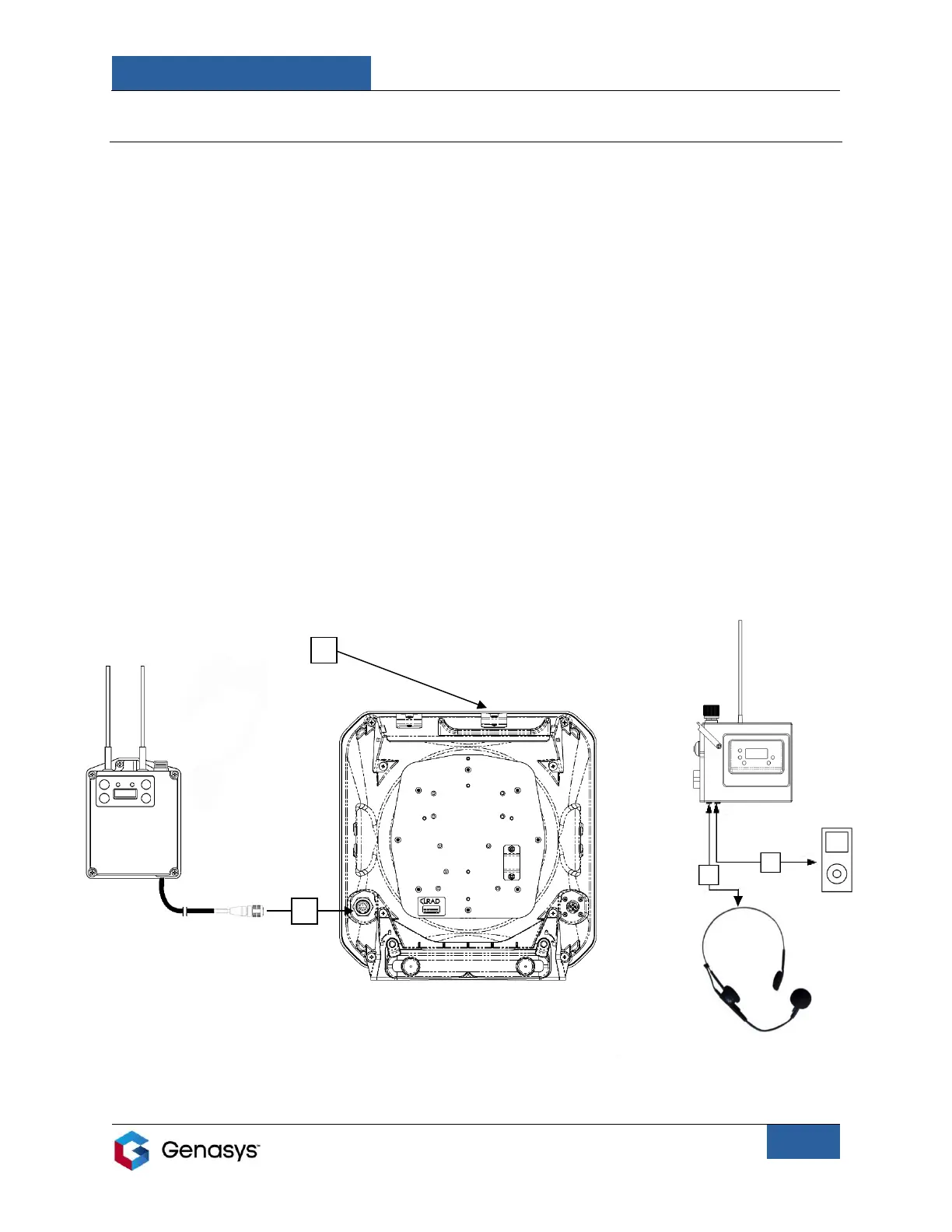
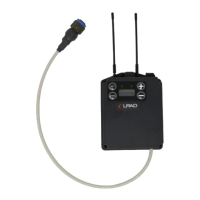
1. Connect receiver to LRAD. Connect audio cable from receiver to audio input connector on
LRAD.
• Refer to (A) in Figure 6.
2. Attach receiver to LRAD using head unit mounting clip, located on the top of the LRAD.
• Refer to (B) in Figure 6.
3. Connect transmitter to audio source.
i. Connect headworn microphone to transmitter. Insert headworn microphone cable into
MIC audio input connector.
• Refer to (C) in Figure 6.
AND/OR
ii. Connect transmitter to external audio device (ex. MP3 Player) using AUX cable. Insert
one end of the AUX cable into external audio device and the other end into AUX audio
input connector.
• Refer to (D) in Figure 6.
Figure 6: Setup on LRAD-100X


 To Next Page