31
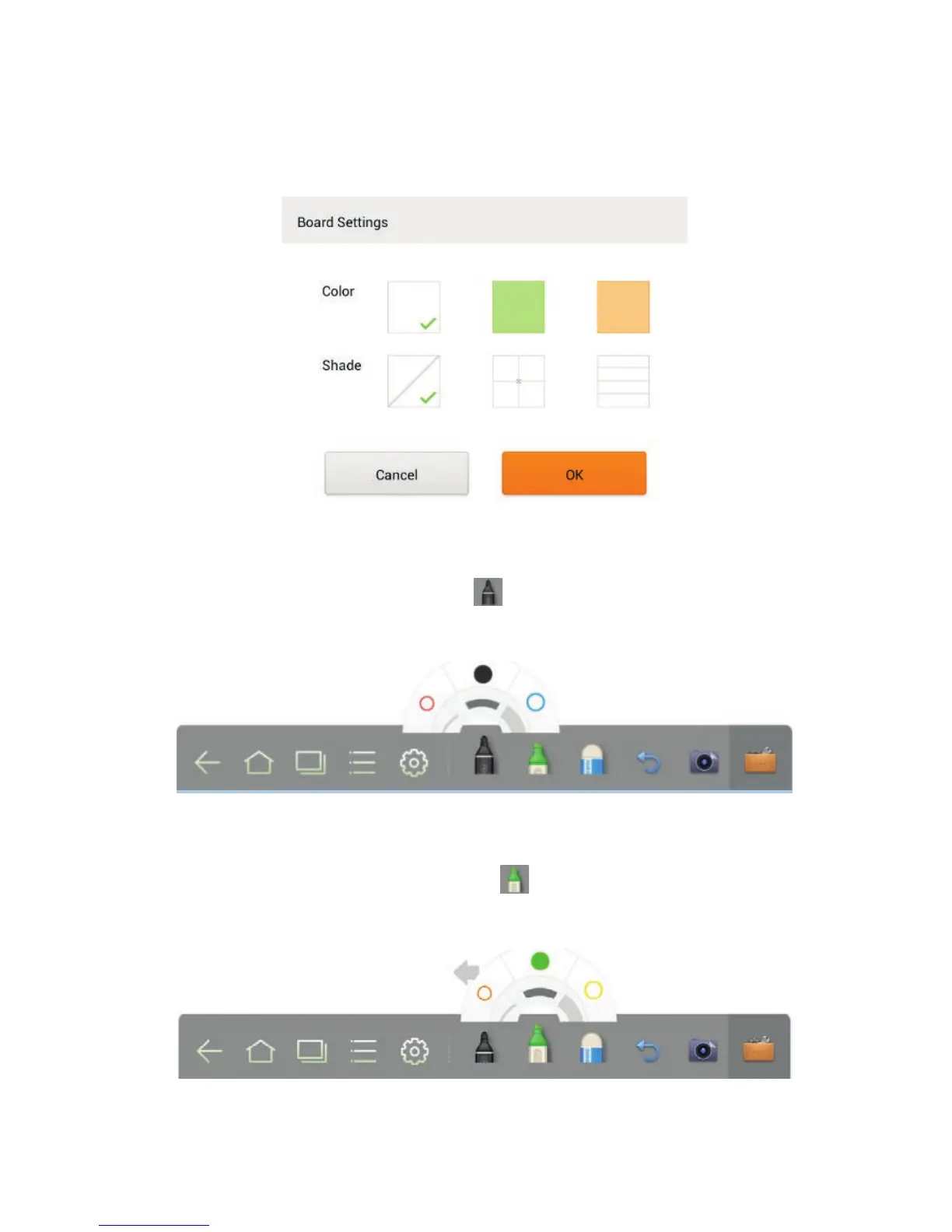
Click Settings to set the color and shade of the whiteboard, as shown in the
following figure:
Pen, Line Weight and Color
If the marker is selected, click and hold
for two seconds to set its line weight
and color.
If the highlighter is selected, click and hold for two seconds to set its line
weight and color.
4 TOOLBAR INTRODUCTION



 To Next Page