General Dynamics Itronix 72-0146-001
GD8200 User Guide
Customizing Your BIOS
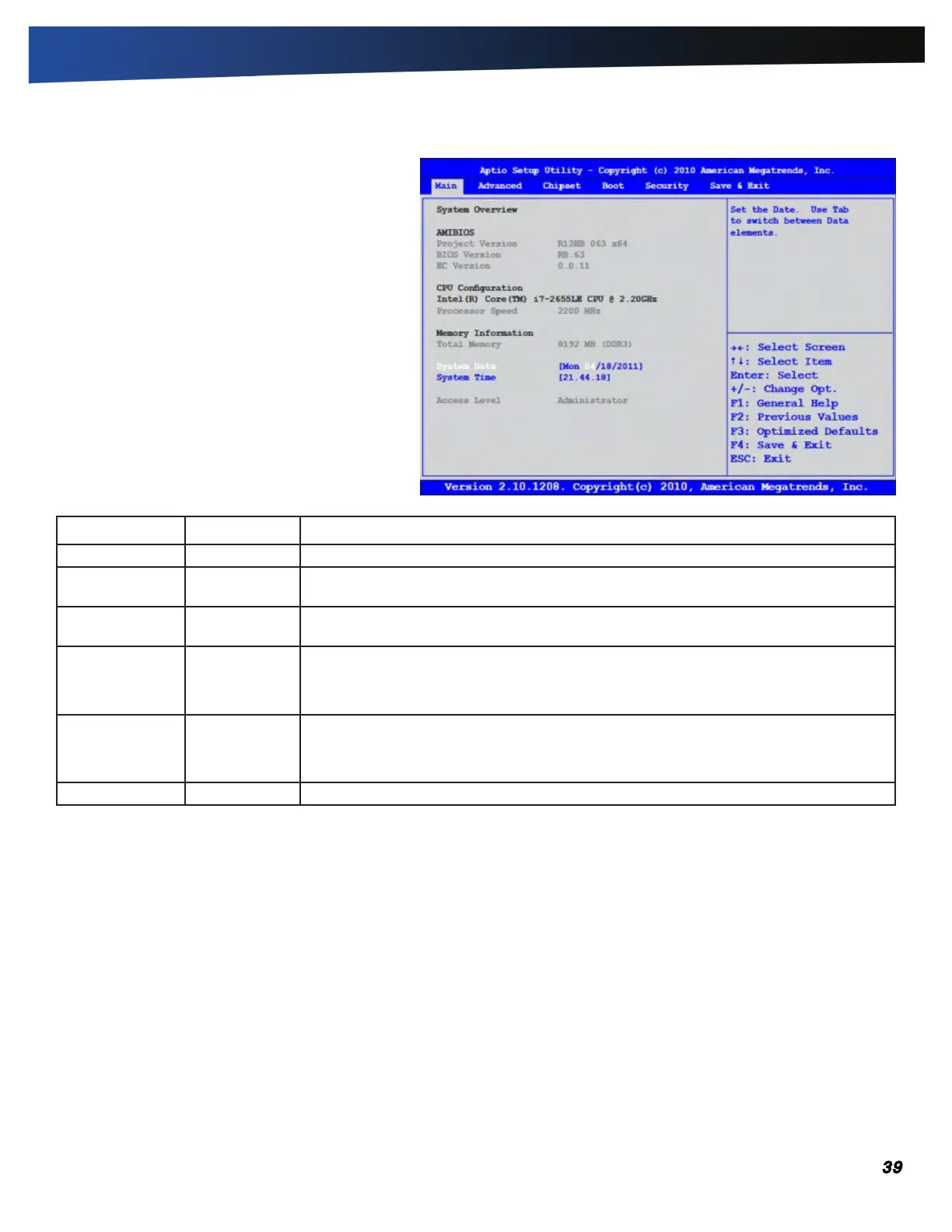
The Main Menu
The Main Menu displays detailed information about
the computer, including the system time and date.
Field Setting Description
AMIBIOS Version N/A Displays the AMIBIOS version detected during boot up.
CPU
Configuration
NA Displays the motherboard version detected during boot up.
Memory
Information
N/A Displays amount of memory detected during the boot process.
System Date MM/DD/YYYY Use this field to set the date. The date can be set from January 1, 1980 to December 31,
2099. The value set takes effect immediately.
NOTE Once a change is made, press ENTER to continue.
System Time HH:MM:SS Use this field to set the time. The time is displayed in 24 hour format. The value set takes
effect immediately.
NOTE Once a change is made, press ENTER to continue.
Access Level N/A



 To Next Page