General Dynamics Itronix 72-0146-001
GD8200 User Guide
Field Setting Description
CD/DVD ROM Drive BBS
Priorities
dISABlEd
Enabled
If enabled, booting from the network is possible.
Hard Drive BBS Priorities Disabled
ENABlEd
Enabled: displays OEM logo instead of POST messages
Disabled: displays normal POST messages
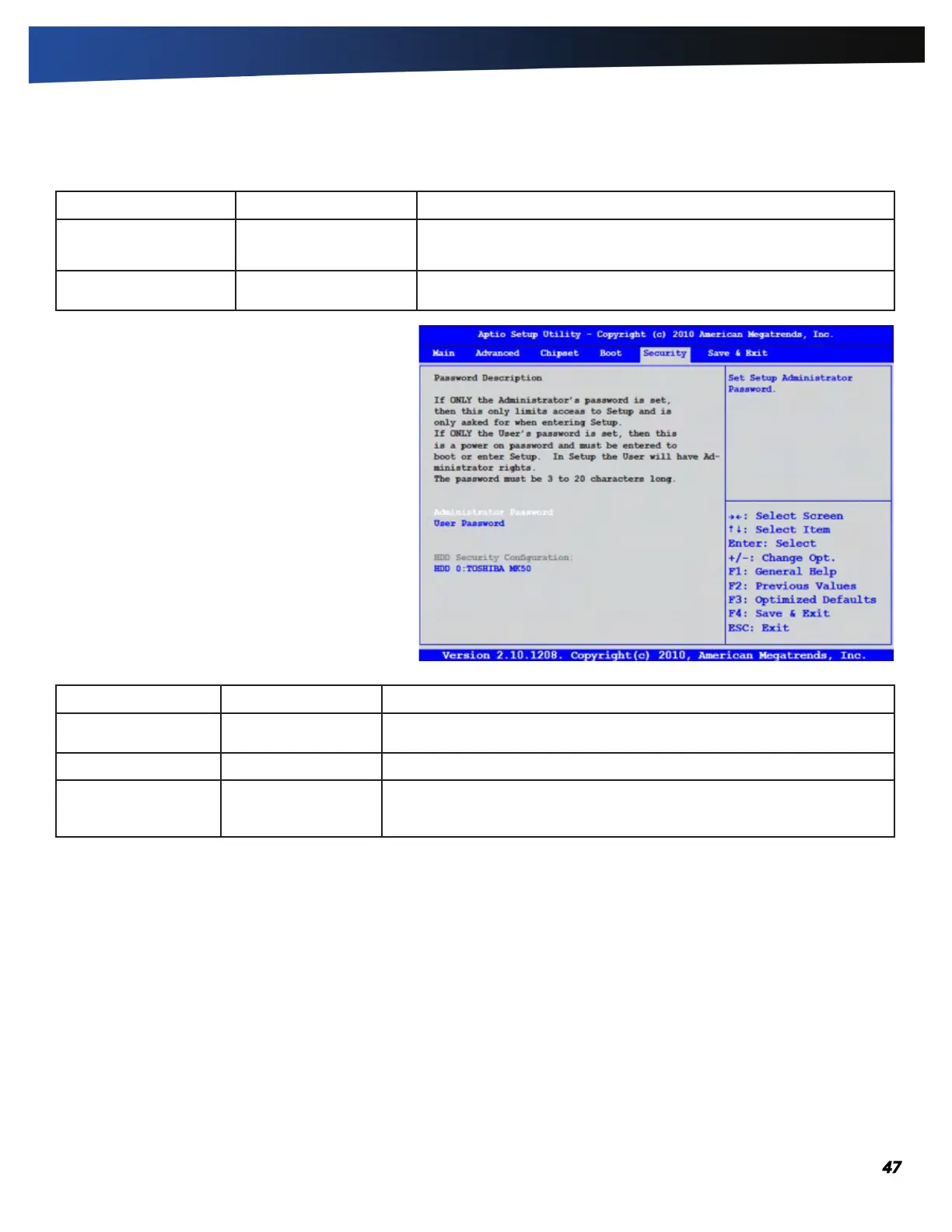
The Security Menu
The Security Menu is used to configure security
options for the system.
Field Setting Description
Administrator
Password
Create New Password Create the Supervisor password. This field must be set before a user level
password can be set.
User Password Create User Password Create the User password.
HDD Security
Configuration:
HDD 0:TOSHIBA MK50
Set HDD Password.



 To Next Page