GD8200 User Guide
Customizing Your BIOS
General Dynamics Itronix 72-0146-001
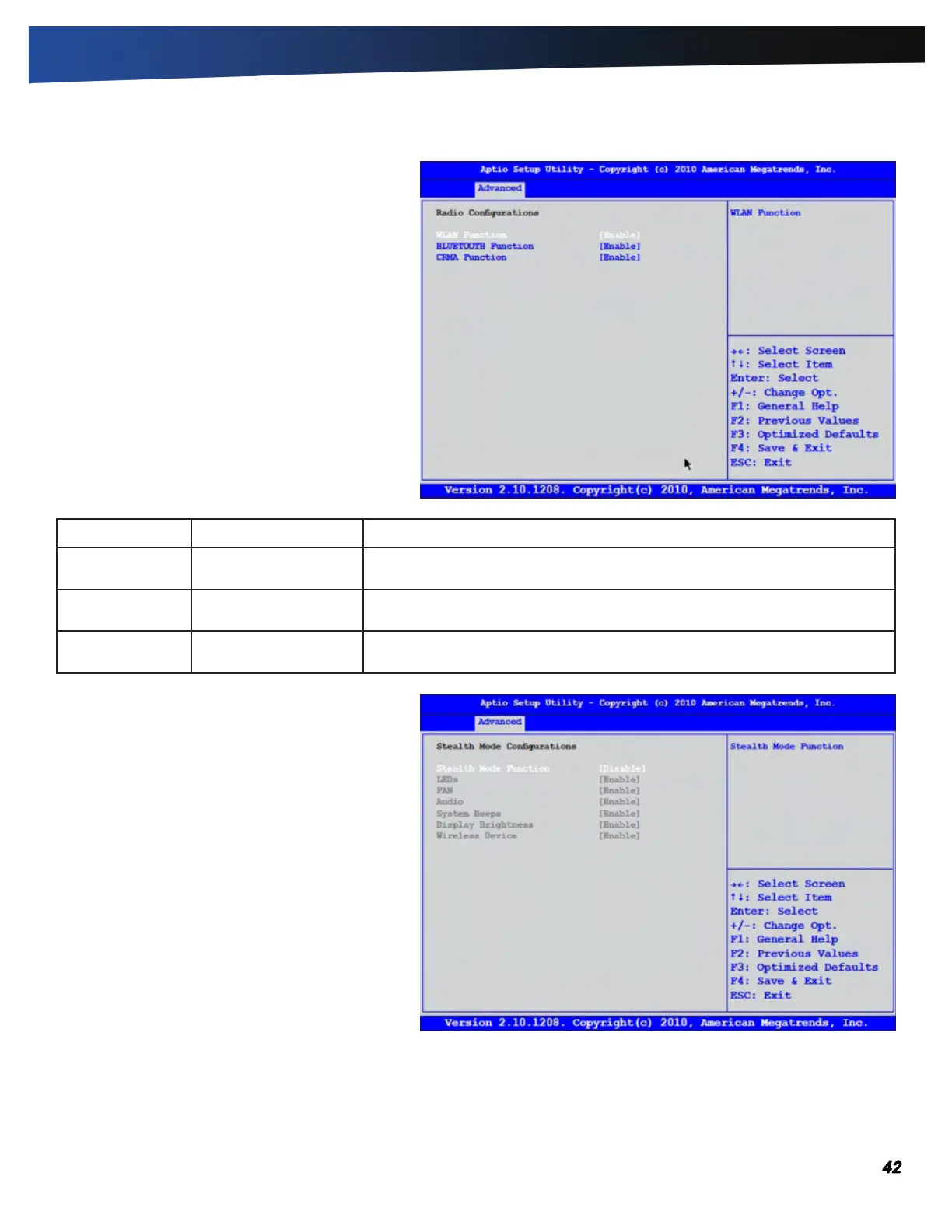
Radio Configurations
The Radio Configurations menu is used to enable or
disable the WLAN, Bluetooth
®
, and CRMA functions.
Field Setting Description
WLAN Function
ENABlE
Disable
Enables or disables the WLAN function.
Bluetooth
®
Function
ENABlE
Disable
Enables or disables the Bluetooth
®
function.
CRMA Function
ENABlE
Disable
Enables or disables the CRMA function.
Stealth Mode Configuration
Stealth mode is a feature that allows the computer to
be used in an environment where sound and light
could be dangerous or disruptive. If stealth mode is
disabled, the LEDs, fan, system beeps, audio, and
display brightness operate normally.
NOTE An Off setting indicates stealth mode is in effect
for that option. For example, if stealth mode is enabled
and the LED option is set to “off”, the LEDs will NOT
illuminate to indicate activity.



 To Next Page