GD8200 User Guide
Customizing Your BIOS
General Dynamics Itronix 72-0146-001
Field Setting Desription
Stealth Mode
Enable
dISABlE
Enabled: All LEDs and sound devices will be turned off
Disabled: The computer functions normally and the options listed below are not
accessible
LEDs
ENABlE
Disable
Enable: LEDs function normally
Disable: LEDs are disabled
Fan
ENABlE
Disable
The fan functions normally
Disable: The fan is disabled. Heat management is then controlled solely through throttling.
Audio
ENABlE
Disable
Enable: Audio is preserved across suspend/resume and boot. The default volume level is
set to mid-range.
Disable: Volume is set to 0 across suspend/resume and boot. Use the existing audio func-
tion keys to adjust volume.
System Beeps
ENABlE
Disable
Enable: Beeps are heard during POST
Disable: Beeps are disabled during the boot up or resume process
Display Brightness
ENABlE
Disable
Enable: Display brightness is preserved across suspend/resume and boot. It is restored to
default when the brightness level is set at 0. The default level is mid-range.
Disable: Brightness is set to 0 across suspend, resume and boot. FN+F7 increases display
brightness gradually. FN+F6 decreases brightness gradually.
Radio
ENABlE
Disable
Enable: The radio on/off switch functions normally and radio device power states are held
though suspend/resume and boot.
Disable: All wireless devices are disabledduring a suspend/resume or boot. The Radio
ON/OFF Switch can be used to manually turn the radios on or off.
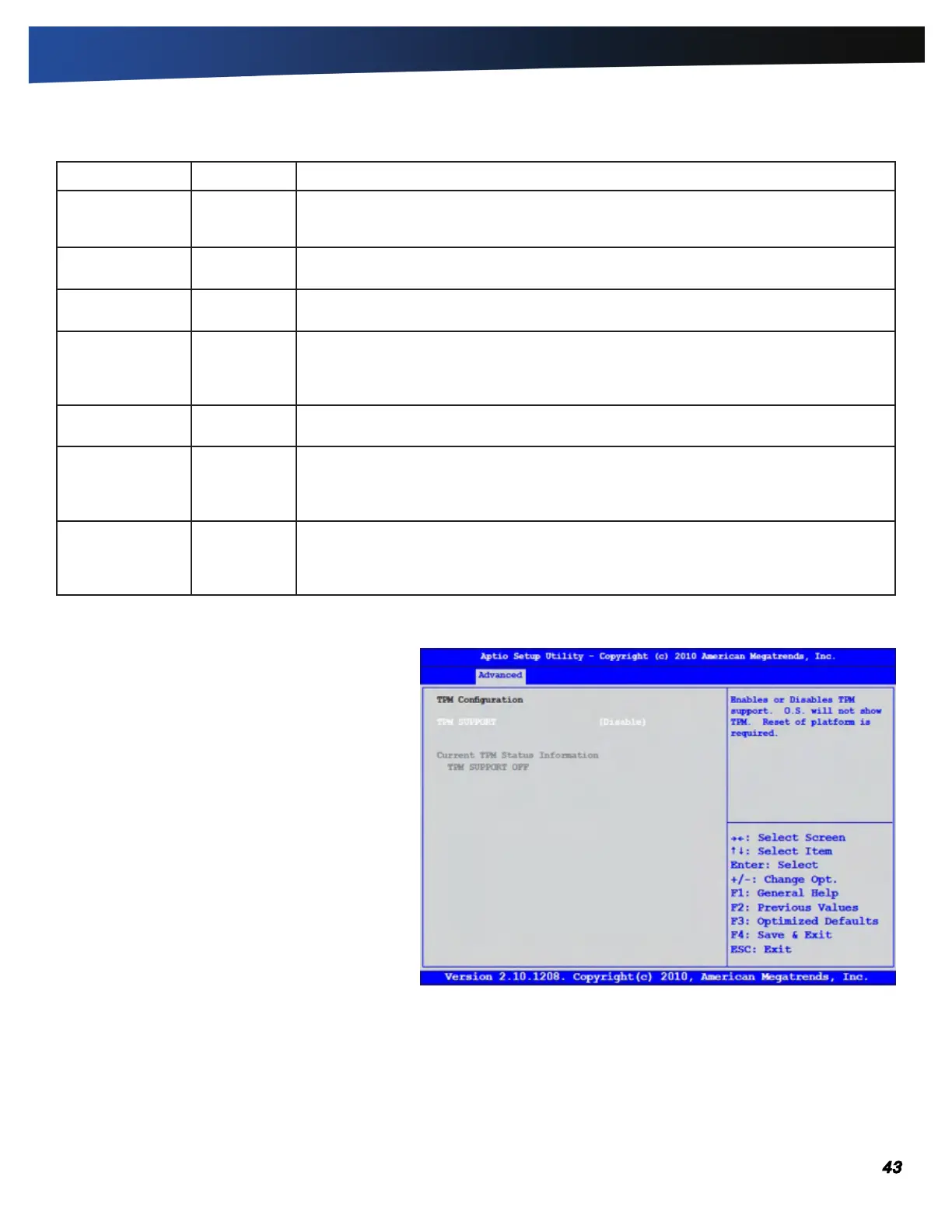
Trusted Computing
Trusted Platform Module (TPM) is a secure micro-
controller with added cryptographic functions.
After the TPM Support option on the Security menu is
enabled, the TPM State menu appears. When you have
finished making changes to the TPM State, go to the
Exit menu and select Exit Saving Changes. The system
will shutdown and reboot.



 To Next Page