General Dynamics Itronix 72-0146-001
GD8200 User GuideGD8200 User Guide
Customizing Your BIOS
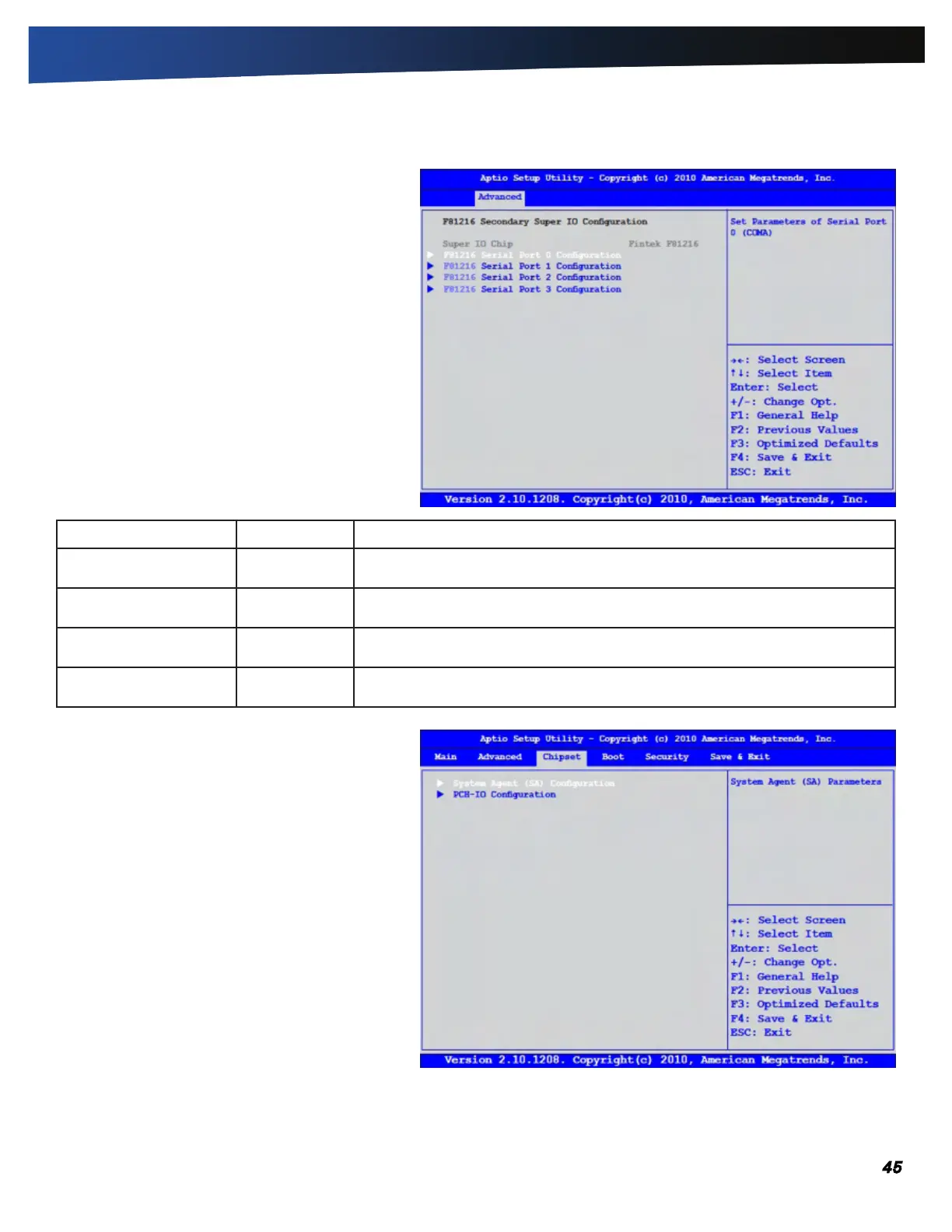
F81216 Secondary Super I/O Configuration
This configuration option allows you to assign serial
port settings.
Field Setting Description
Serial Port 0
Configuration
Sub-menu Allows the BIOS to select Serial Port 0 Base Addresses.
Serial Port 1
Configuration
Sub-menu Allows the BIOS to select Serial Port 1 Base Addresses.
Serial Port 2
Configuration
Sub-menu Allows the BIOS to select Serial Port 2 Base Addresses.
Serial Port 3
Configuration
Sub-menu Allows the BIOS to select Serial Port 3 Base Addresses.
The Chipset Menu
The Chipset Menu provides the user with the ability
to configure specific system settings.



 To Next Page