See your F36 T28/52 fence manual for further information.
Set blade to 90° and raise it to the maximum height. Move
the fence till it lightly touches the right side of the blade
and push down the locking lever to lock the fence in place
A.
With the fence locked in place against the blade, loosen
the pointer screws B. Line up the reference line C on the
pointer with the zero point on the tape D and re-tighten the
p
ointer screws.
Note: When changing blades, re-align the pointer with the zero
points on the tapes to account for thinner or thicker blades.
ADJUST & ALIGN RIP FENCE POINTER
A
B
D
C
CONNECTING TO A DUST COLLECTOR
• There is a 2 1/2" dust outlet located on the lower left of
the saw cabinet allowing for the connection to a dust
collection system (not included).
• Be sure to use appropriate size hose and fittings (not
included) and check that all connections are sealed
tightly to minimize airborne dust.
• If you do not already own a dust collection system
consider contacting your General® International dis-
tributor for information on our complete line of dust col-
lection systems and accessories or visit our website at
www.general.ca
ALWAYS TURN ON THE DUST COLLECTOR BEFORE
STARTING THE SAW AND ALWAYS STOP THE SAW
BEFORE TURNING OFF THE DUST COLLECTOR.
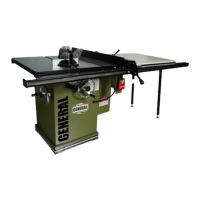
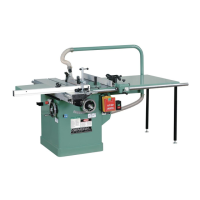
50-090RK M1
50-090RC M1
BASIC ADJUSTMENTS & CONTROLS
CONNECTING TO A POWER SOURCE
Once the assembly steps have been completed, uncoil
the power cord and plug it into an appropriate outlet.
Refer back to the section entitled “ELECTRICAL REQUI-
REMENTS” and make sure all requirements and grounding
instructions are followed. When cutting operations have
been completed unplug the saw from the power source.
SWITCH OFF
TO AVOID RISK OF SHOCK OR FIRE DO NOT OPERATE THE UNIT WITH A DAMAGED POWER CORD OR PLUG. REPLACE DAMAGED
CORD OR PLUG IMMEDIATELY.
TO AVOID UNEXPECTED OR UNINTENTIONAL START-UP, MAKE SURE THAT THE POWER SWITCH ON THE SAW IS IN THE OFF POSI-
TION BEFORE CONNECTING TO A POWER SOURCE.
19


 To Next Page
 Loading...