power,
• all the settings and codes will be restored to a fac-
tory default configuration immediately,
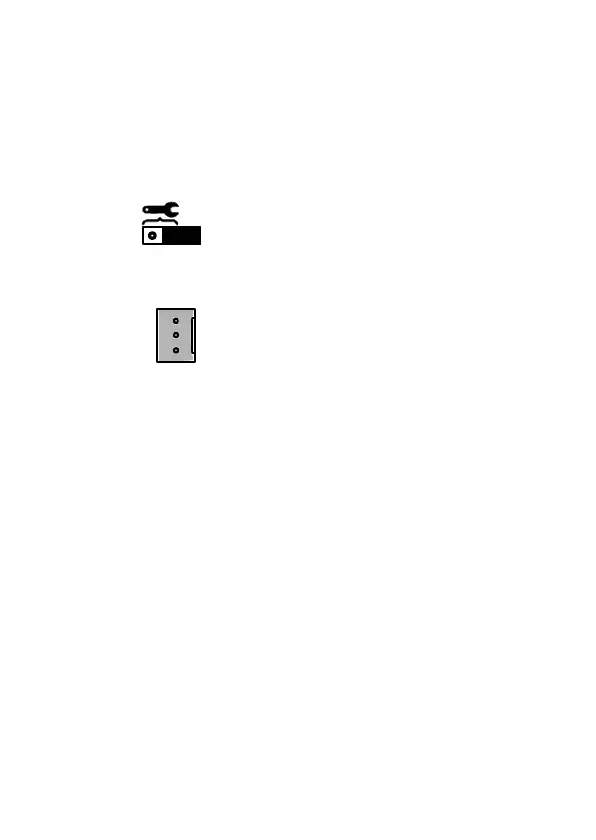
• set the jumper to Normal operation position (Fig. 1,
item 4) according to the following drawing:
- normal system operation position,
• remove the jumper from PIN3 connector (Fig. 1,
Item 3), according to the following drawing:
- normal system operation position.



 To Next Page