log.
8.6.2 Service mode entering and exiting
➔ Entering service mode is possible from the keypads
home screen,
➔ Service access may be disabled by the Master user
(User menu > Service access)
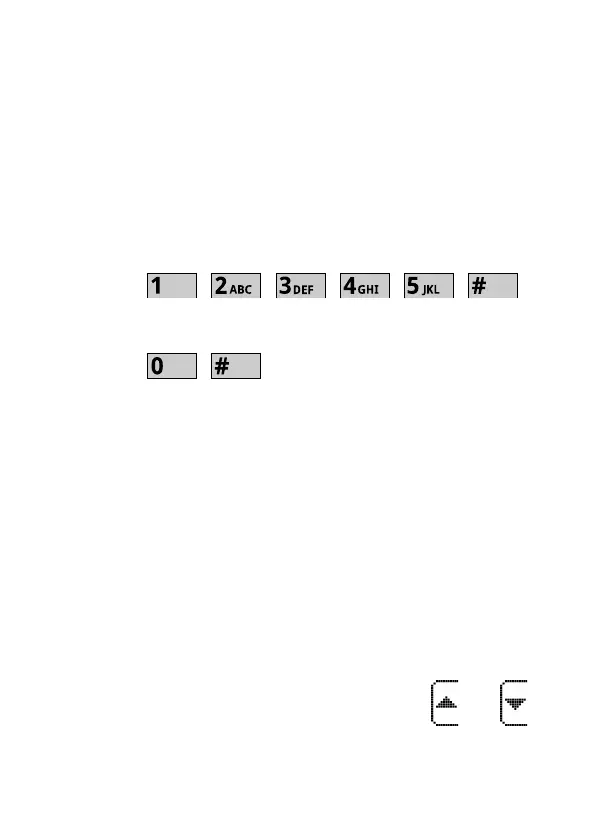
➔ Service mode entry is performed by entering in-
staller code followed by „#” key, e.g.:
➔ To quit service mode enter the following se-
quence:
or select „Quit service mode” in the menu.
8.6.2.1 Service mode keypad navigation
➔ The keypad programming allows to program all the
panels' settings.
➔ Basic navigation in the Service mode menu uses
keypads' function keys (Fig. 2, item 2)
➔ Service menu allows programming the panel with-
out knowing the numbers of particular service
functions („addresses”).
To make it easier to program the panel with a keypad,
the programming menu is divided into groups of items
related to programming particular panel functions.
Basic menu navigation uses function keys and
to move the cursor up and down to select menu items.



 To Next Page