9
NOTES:
• You can stop the auto search at any time by
pressing any button.
• The codes for your device may not be included
in the preprogrammed list. If the device does
not switch off in six minutes, you may not be
able to use preset codes. You can program the
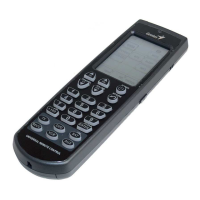
Remote 600 using the learning function. See
Learning codes on page 15.


 To Next Page