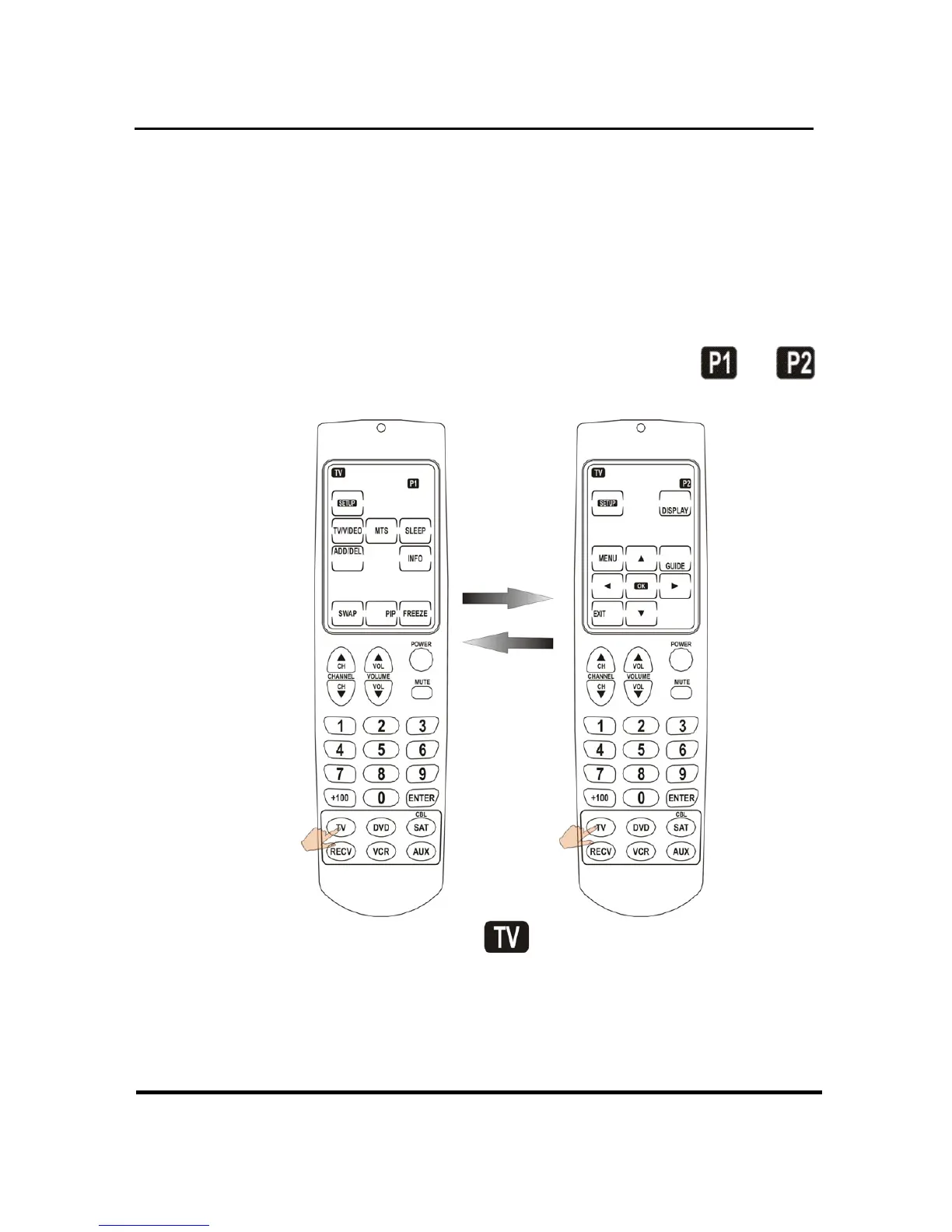
Selecting devices and pages
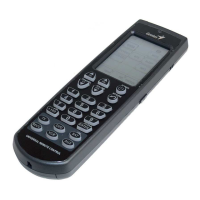
You can program the hard buttons as well as
two pages of soft buttons (on the touch screen)
for up to six devices. To change between
devices, press the appropriate device button. To
switch between pages, press the device button
again. The current page is indicated by
or
in the top right corner of the touch screen.


 To Next Page