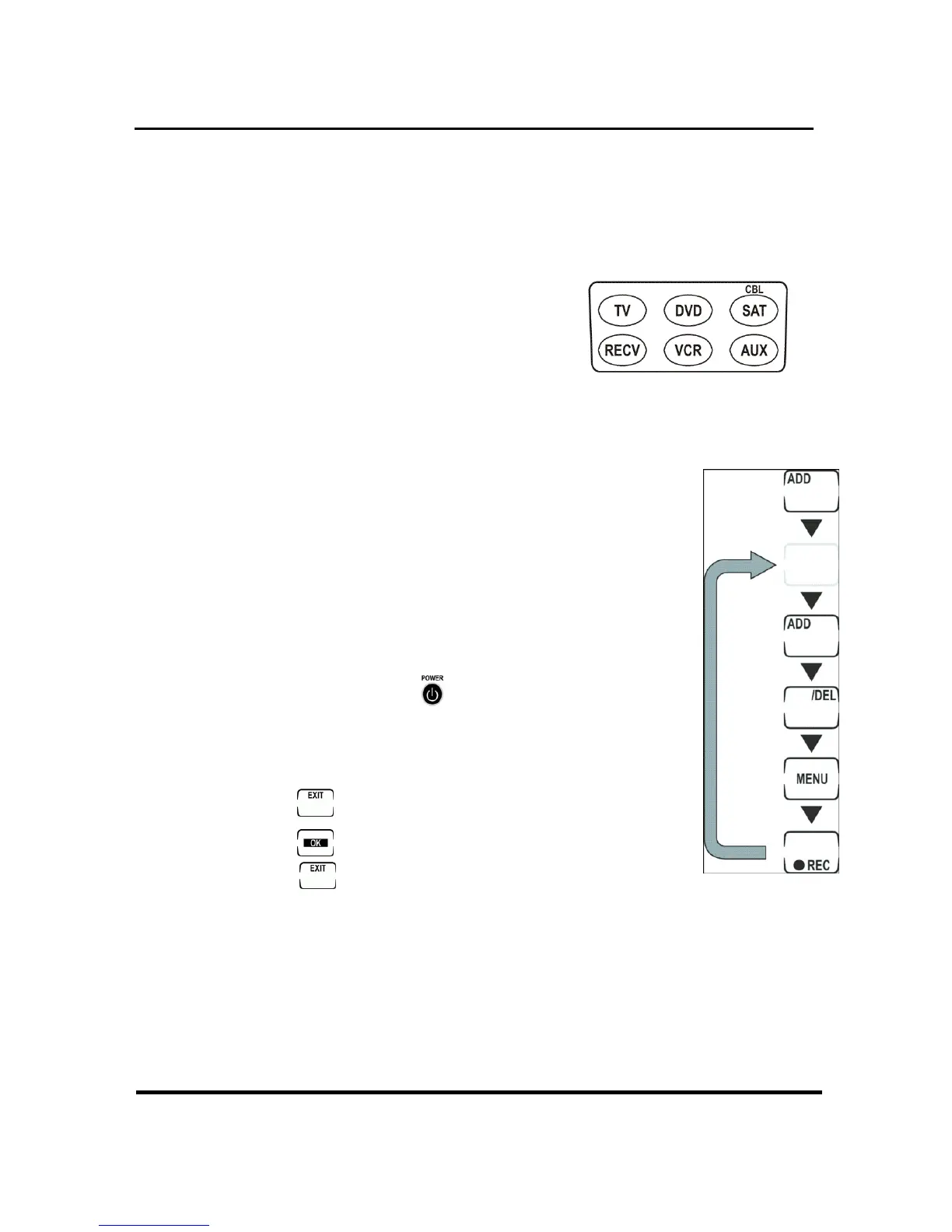
Changing the LCD layout
You can customize the LCD layout to match the
remote control supplied with your devices.
1. Press and hold for two
seconds the device
button of the device you
want to customize. You will see the device
icon flashing on the touch screen.
2. Press the buttons on the touch
screen to change the LCD layout.
As you press the button repeatedly,
the various labels for the button
appear. You can also choose to
leave the button blank. When the
border disappears, the button is off.
Press and hold
button at any
time to display all buttons and
labels.
3. Press
after changing the layout.
4. Press
to save the changes or
press
to discard them.
11


 To Next Page