ENGLISH
12
Using preset codes
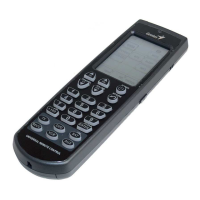
This is the fastest way to program the Remote 600
but requires that your device be located in the
Pre-programmed Code List that was bundled
with the Remote 600. The Remote 600 comes
pre-programmed with a list of preset codes.
Check the supplied code list to see if your
device is supported. Some newer or less
common devices may not be pre-programmed
and their codes must be learned using the
learning function of the Remote 600. See
Manually setting preset codes on page 13.


 To Next Page