Learning codes
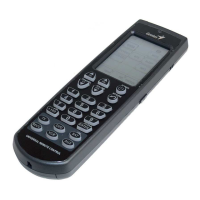
If your device is not in the list of preset codes,
you can use your existing IR remote control to
“teach” the Remote 600. You can program all
buttons except for
and the DEVICE keys.
NOTE:
Not all codes can be learned. If the Remote
600 cannot learn a code, three beeps are emitted.
1. Set both remotes on a flat surface with the
target device’s remote control pointed at the
Remote 600’s learning eye, for about 5 ~10
cm apart.
2. On the Remote 600, press the device button
of the device you want to
program.
1
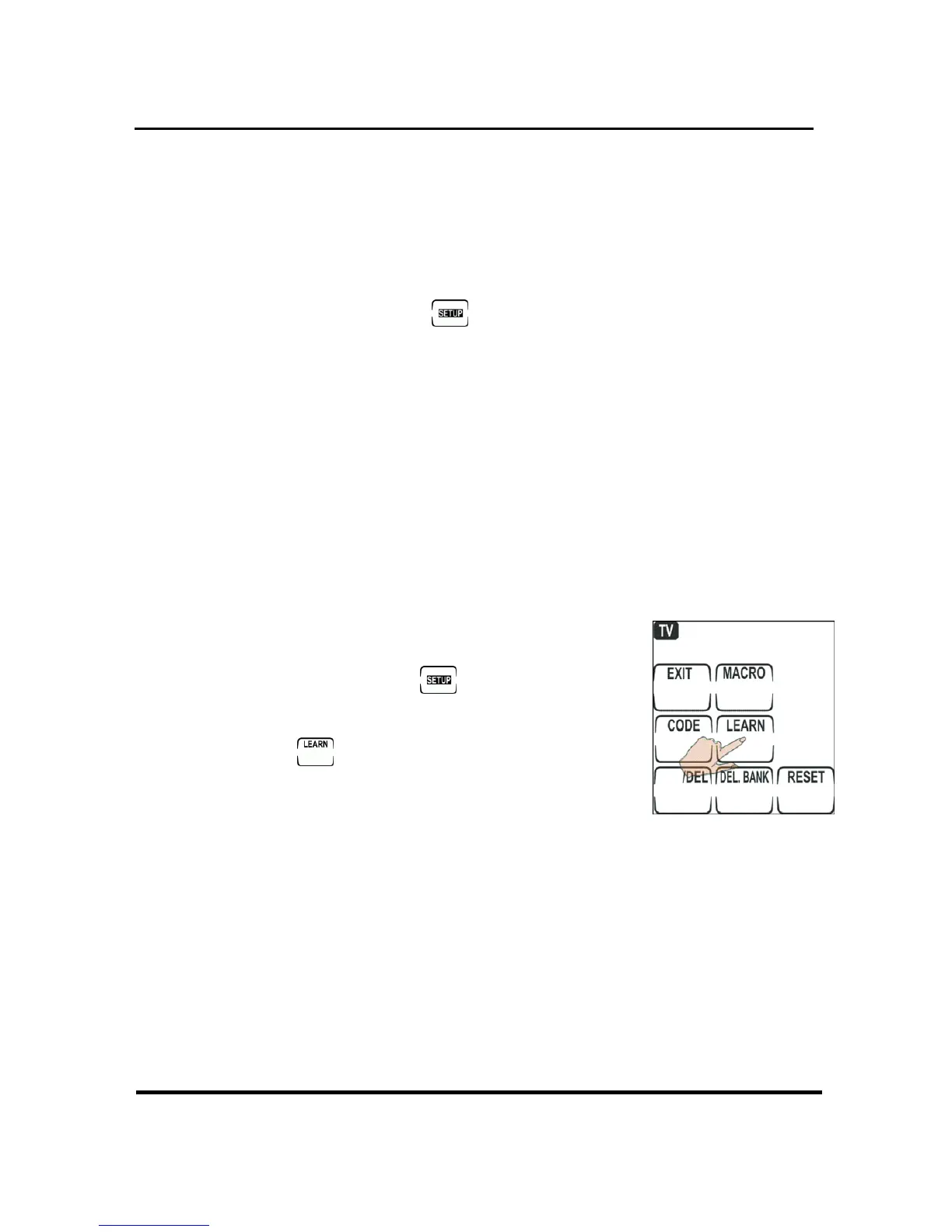
3. Press and hold
to enter
setup.
4. Press .
5. On the Remote 600, press the
button to indicate the key you
want to program. Including Touch screen
buttons and hard buttons. Touch screen
buttons flash when you select them. Press the
device button to switch between touch
screen pages.


 To Next Page