ENGLISH
Checking the code number
After automatically setting a preset code, you
can find the code’s number using the following
procedure. This is useful if your settings are
accidentally erased in the future.
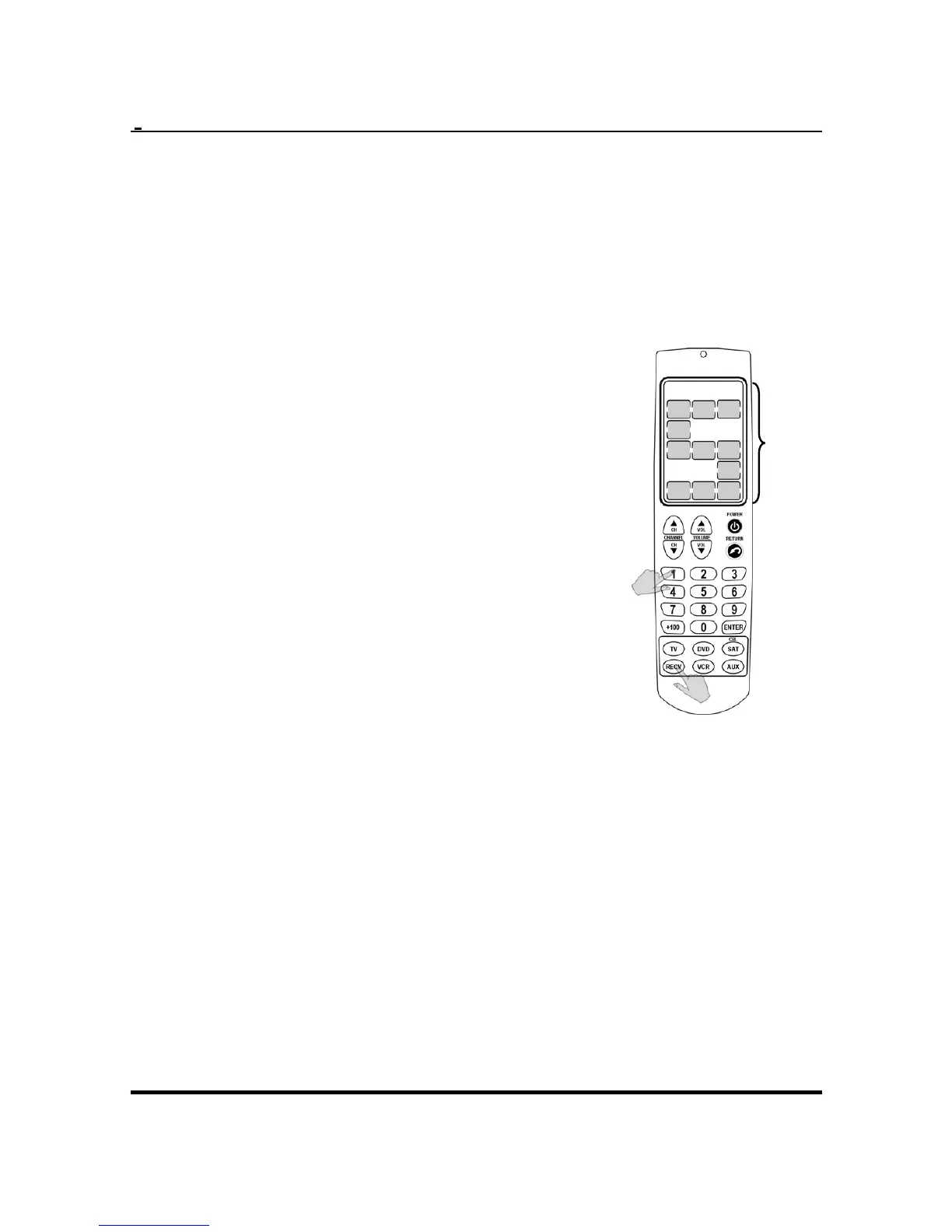
1. Press and hold the
appropriate device button.
2. While holding the device
button, press and hold the
“1” button. The first digit of
the IR code number displays.
Code
Number 5
You can write the code
number down in order to
program it next time.
3. Repeat this by pressing 2, 3,
and 4 for the second, third
and forth digits of the code
number.
You can use this code number to program the
Remote 600 if your settings are changed or
accidentally erased. See
Manually setting preset
codes
on page 13.
14


 To Next Page