Zenith15/25 GNSS Series - 15 -
Installation Guide © 2017 GeoMax AG, Widnau, Switzerland
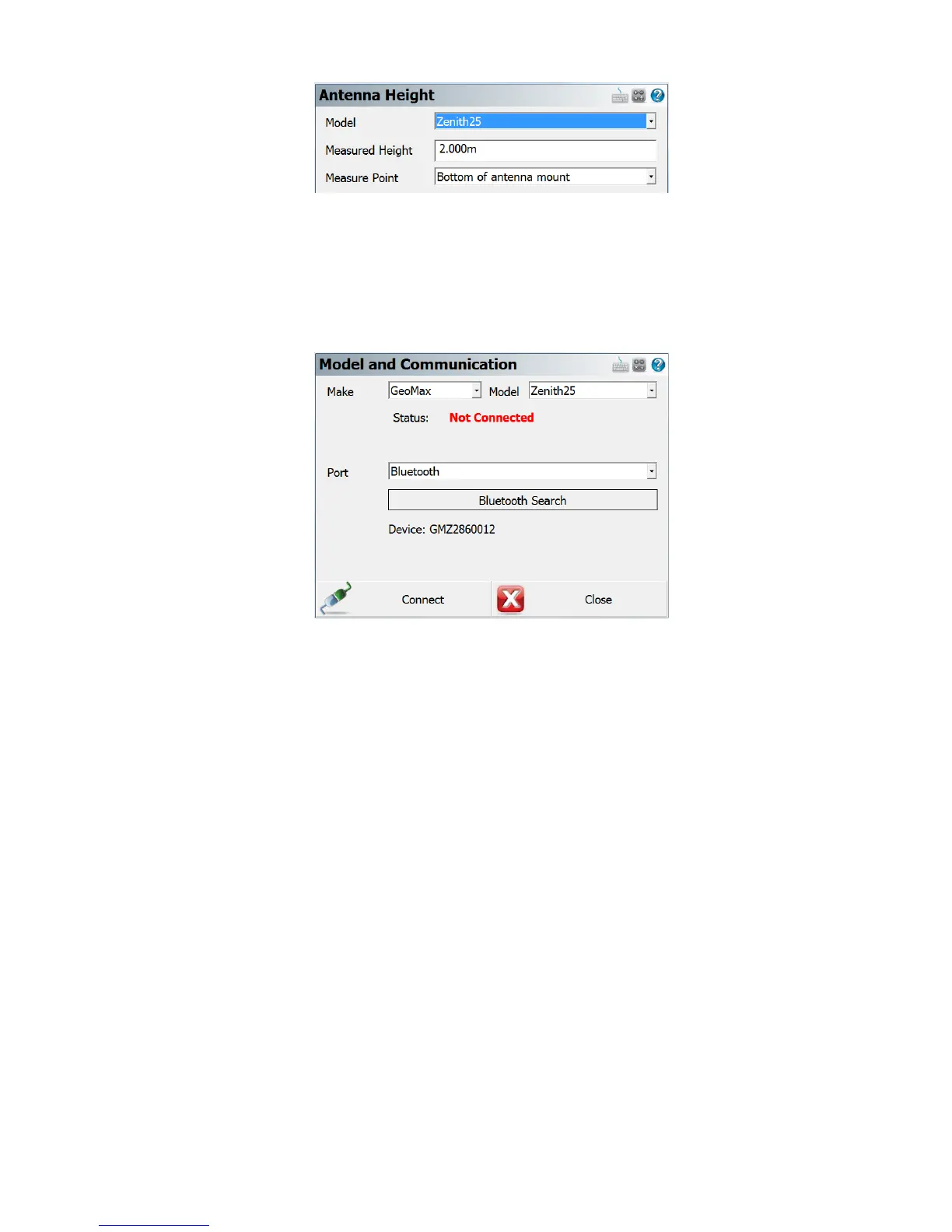
At the Model & Communication panel, select the Make as GeoMax, Model as
Zenith15/25 and Port as Bluetooth. Tap Bluetooth Search to find all available devices
and choose the required receiver by its serial number. Once a connection has been made,
you will be prompted for a PIN which is 0000.
The Link Configure panel is displayed next. In the Link Device field, the following choices
are available:
- Other Device: When connecting an external radio by cable
- GSM Module: For network rover using the internal GSM
- Microhard nL400: When using the internal radio with base or rover mode
- Data Collector Internet: To receive RTK data using the PS236 3G handheld



 To Next Page
 Loading...