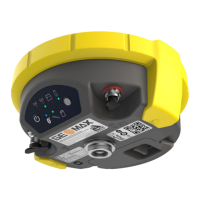
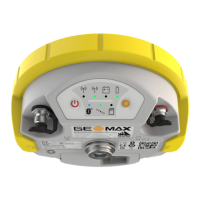
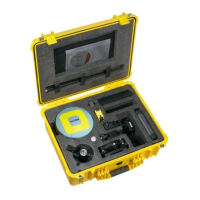
Zenith35 Pro GNSS Series - 12 -
Installation Guide © 2016 GeoMax AG, Widnau Switzerland
of the handheld. Follow the steps of the wizard to setup Windows Mobile. The Windows
Mobile software on the supplied Getac PS336 is only available in English language. Microsoft
restricts the installation of alternative languages with this operating system.
4.2 CONNECTING TO THE PC
To establish communication between the handheld and your PC, the Windows Mobile
Device Centre needs to be installed. For Windows XP the communication software
Microsoft ActiveSync is required. This software can be downloaded from Microsoft’s
website. After the software installation, connect the handheld to your PC with the USB
cable supplied with the Getac as shown below.
The device drivers will now automatically be installed. If the Windows Found New
Hardware Wizard starts, click the Close button. After the drivers are installed, the
Mobile Device Centre or ActiveSync will automatically start. The contents of the PS236
internal memory can be seen with Windows Explorer and are defined as a drive named
Portable Device.
4.3 INSTALLATION OF GEOMAX FIELDGENIUS/ LAYOUT PRO
Download the latest version of GeoMax FieldGenius/Layout Pro from GeoMax Website at
http://www.geomax-positioning.com/Downloads.htm?cid=15613
Here the latest installation version and Release Notes of GeoMax FieldGenius/Layout Pro is
available. Download the Devices Installation and save onto your PC.



 To Next Page
 Loading...