23
English
Displaying Tides and Currents data
NOTE: This function is available only with the NAVIONICS cartridges containing
Tides and Currents data.
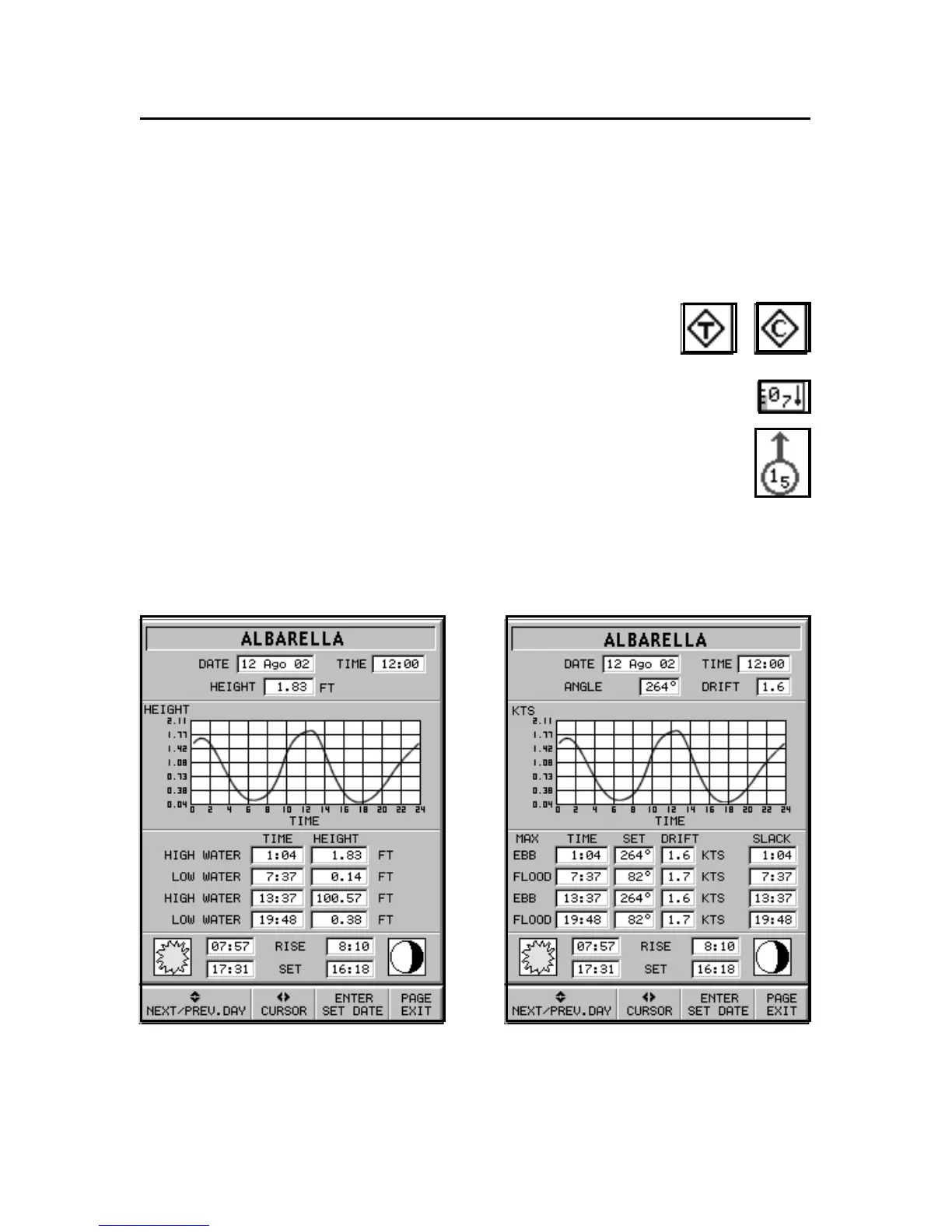
Position the cursor on the icon of a Tide or Cur-
rent station, then press ENTER.
If the zoom level is adequate, the present tide or current
value will show in the vicinity of the cursor position,
together with the curve estimated in the subsequent
hours. Press ENTER to display the whole graph.
A graph will show the tide rate or the tidal stream relevant to
the station selected, as measured during the current day.



 To Next Page