24
English
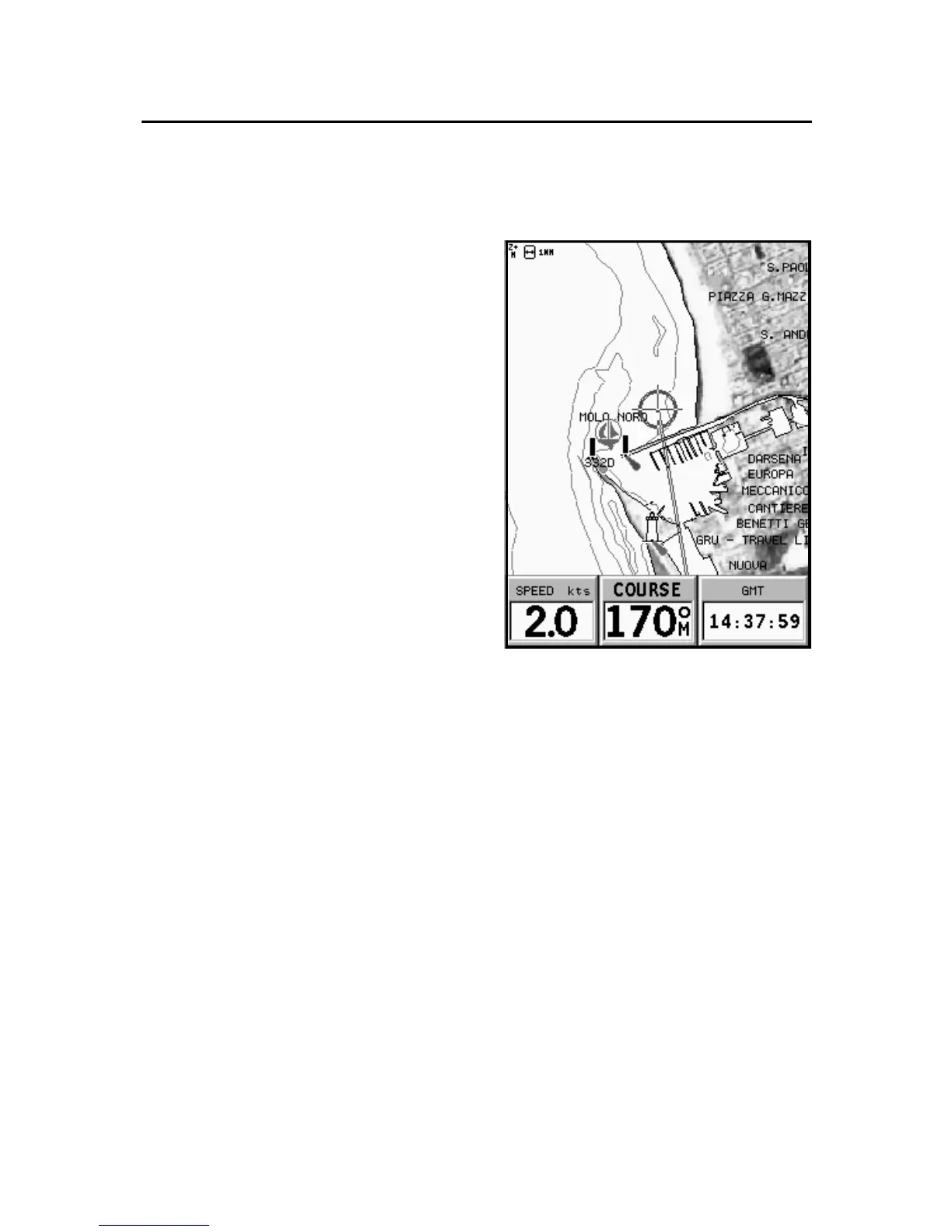
Displaying aerial / satellite charts
NOTE: This function is available only with
the NAVIONICS Platinum™ cartridges stor-
ing aerial and satellite photographs.
Press GOTO to display the menu,
select SETUP, PHOTO OVER-
LAY and then LAND or FULL.
From a given zoom level on-
wards, where available, aerial or
satellite photographs will over-
lay the traditional chart items,
only in land areas (LAND) or both
in land and sea areas (FULL).
NAVIONICS Electronic Charts



 To Next Page