29
English
cally the boat’s position and the target waypoint at the best
available chart range. As the boat
approaches the target waypoint,
the unit will automatically zoom
in. Once the waypoint is passed,
the unit will select the best range
to display the boat’s position and
the following waypoint.
To activate the Autozoom function, press ZOOM+ until the
“AUTOZOOM ? ENTER = YES” message is displayed, then
press ENTER to confirm the operation.
To deactivate the Autozoom function, press the ZOOM key once.
When the GEONAV is turned on, and if at least one waypoint
has been previously entered, the Autozoom function is auto-
matically activated.
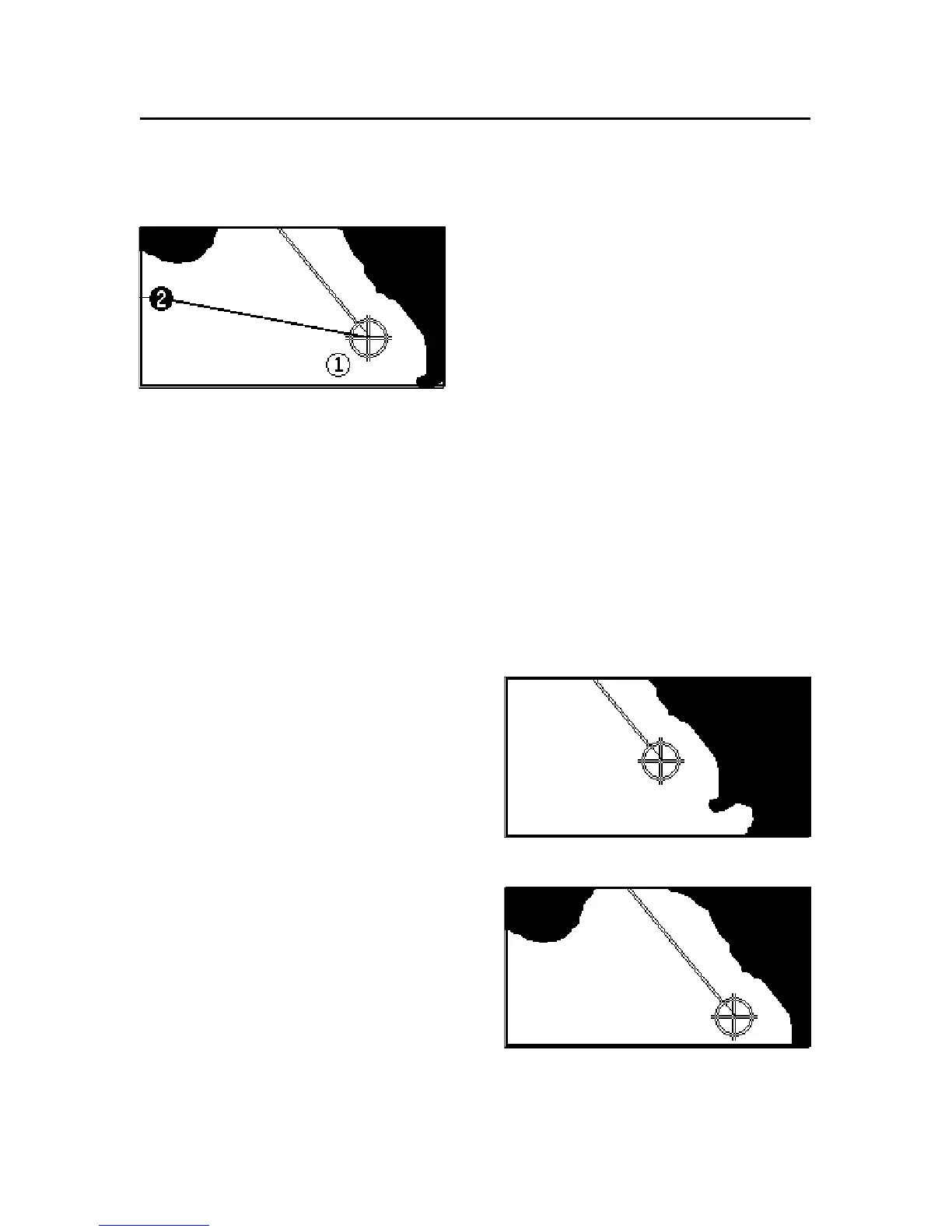
Screen Amplifier
This function automatically re-
draws the chart according to the
boat’s course, to maintain 2/
3rds of the screen ahead of the
boat, provided that the boat’s
speed is greater than 3 knots.
This function will be activated
only if no waypoint has been pre-
viously inserted.
Overzoom
The Overzoom function allows
the chart scale to expand any-
where up to 1/4 NM. The
Overzoom does not provide any
additional chart detail, but im-
proves only the readability of the
existing information, thus acting
as a magnifying glass.
Without screen amplifier
With screen amplifier



 To Next Page