56 GS750
plus
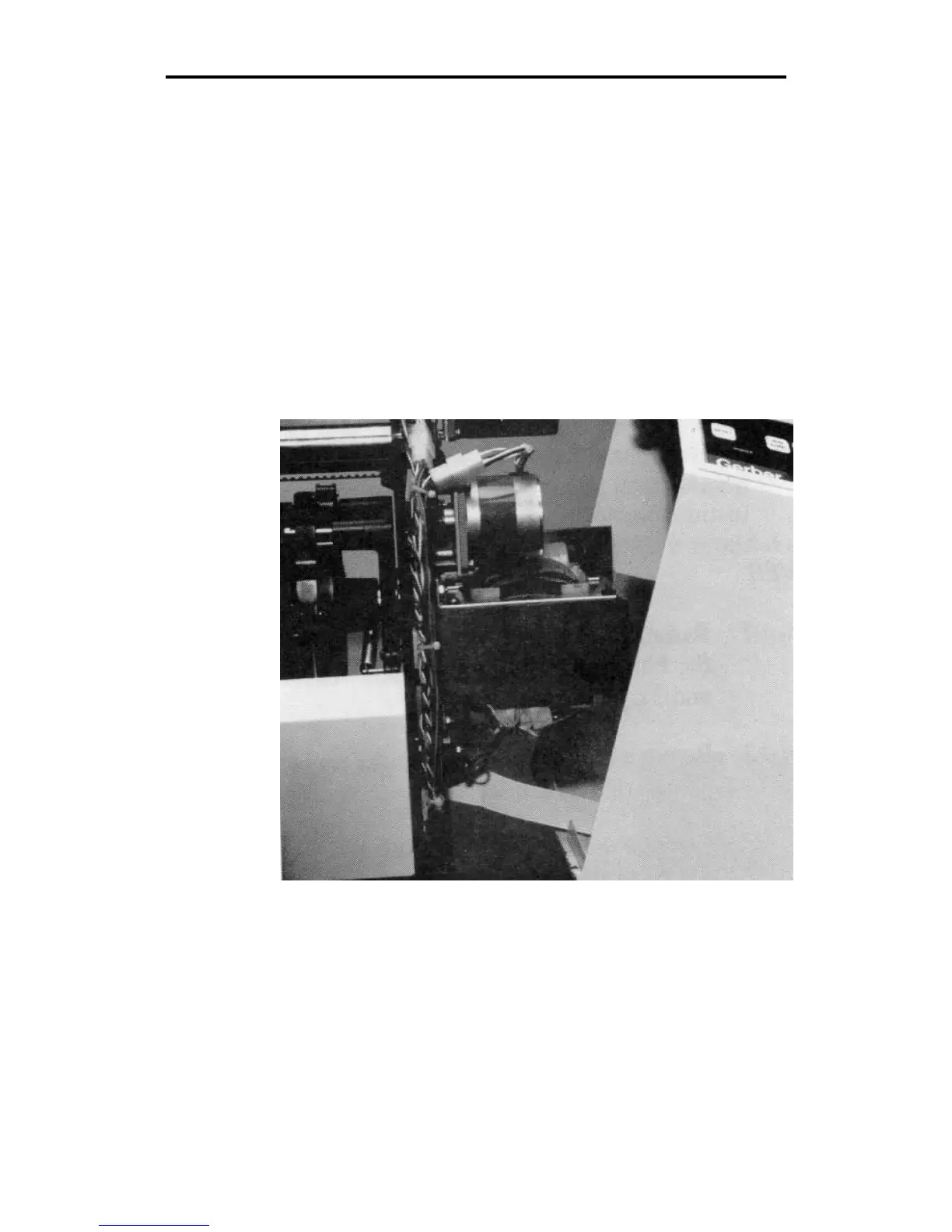
LEFT COVER
1. Remove the plotter cover from the left side of the plotter
(opposite the front panel end) by removing the two Phillips
head screws which hold the cover in place (see steps 2 and
3).
2. Remove the screw located in the center of the top edge of the
plotter left end plate.
3. Remove the screw from the center of the bottom edge of the
plotter end plate (located between the screws for the plotter
stand assembly). Reach up from inside the plotter stand to
remove this screw.
4. Pull the cover toward you.



 To Next Page