GS750
plus
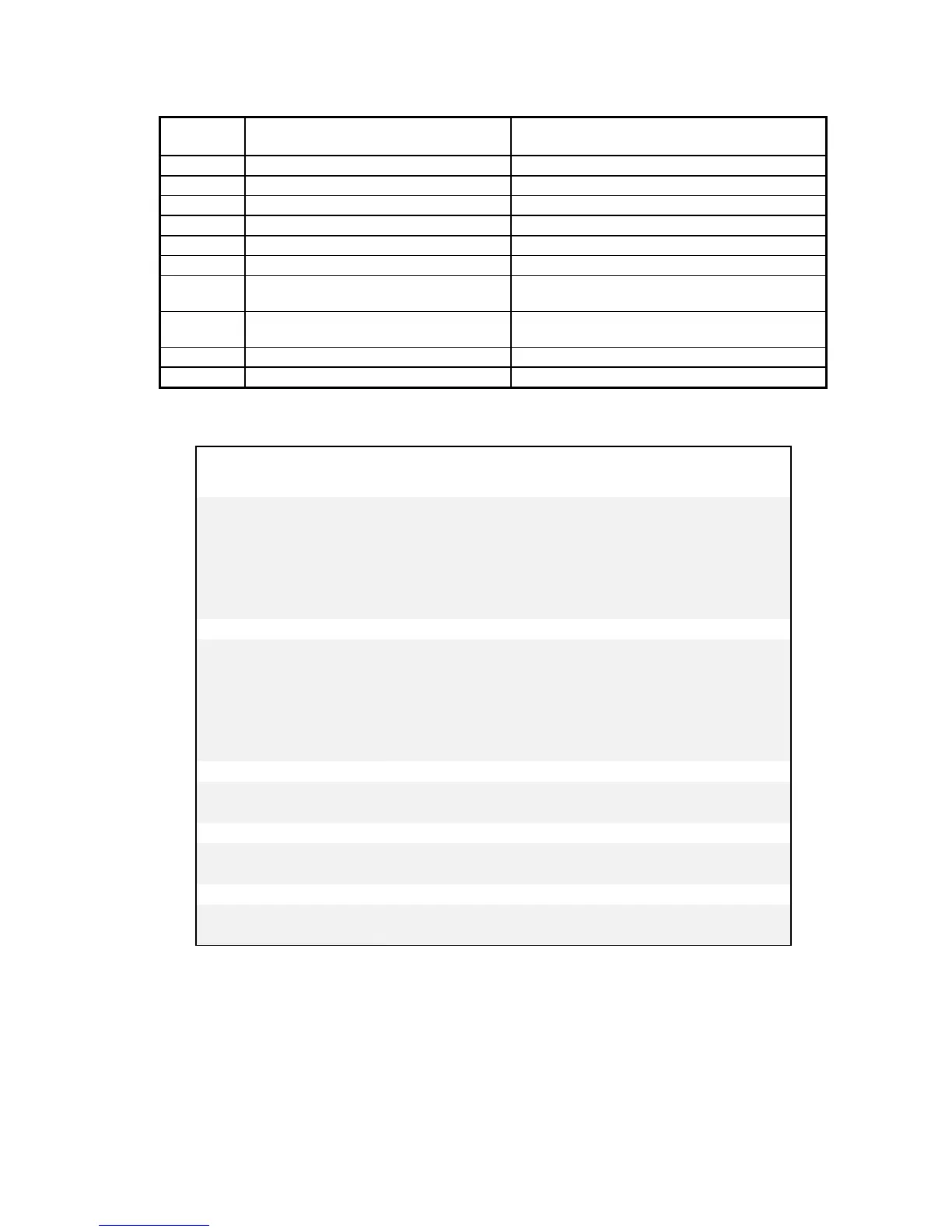
PLOTTERERRORCODES
ERROR
CODE
DESCRIPTION OPERATOR RESPONSE
1 Program checksum failure Try power up again.
2 RAM memory failure Try power up again.
3 RS-232 test failure Try power up again.
4 Illegal plot data command Check plot data; resubmit job.
5 Corrupt data Check plot data; resubmit job.
6 Buffer overflow Call Gerber Field Service.
7 UART error Only occurs as part of self-test; try power up
again.
8 *Z axis lock time-out Power up again while holding down the RESET
key
9 Z axis error Turn off the system; check connectors.
10 Theta home failure Turn off the system; check connectors.
Note: If the GS750
plus
consistently fails the self-check tests, contact Gerber Field Service Department.
APPROXIMATE GS750
plus
TOOL FORCE SETTINGS
Material
Recommended
Starting Tool Force
Tangential
Knife Blade
GS Plotter
Swivel Knife
Controltac 180
Delux 210 Gold/Silver
Dusted Crystal 210 .05-1
30 ° 35°
Florescent 210
Scotchcal 220
Translucent 230
Gerber Cal
Gerber IP Plus
Gerber Mask I & II 1
30° 35°
Heat Transfer Flock
Hot Split Plastisol
Metalized Polyester
Screen Print .05-1
30° 35°
Static Cling
Sandblast 521 4-5
45° or 60°
Sandblast 522
Pouncing paper 5-6 (pounce wheel)
Plotting paper .5-1 (pen)



 To Next Page