REMARKS
114
6
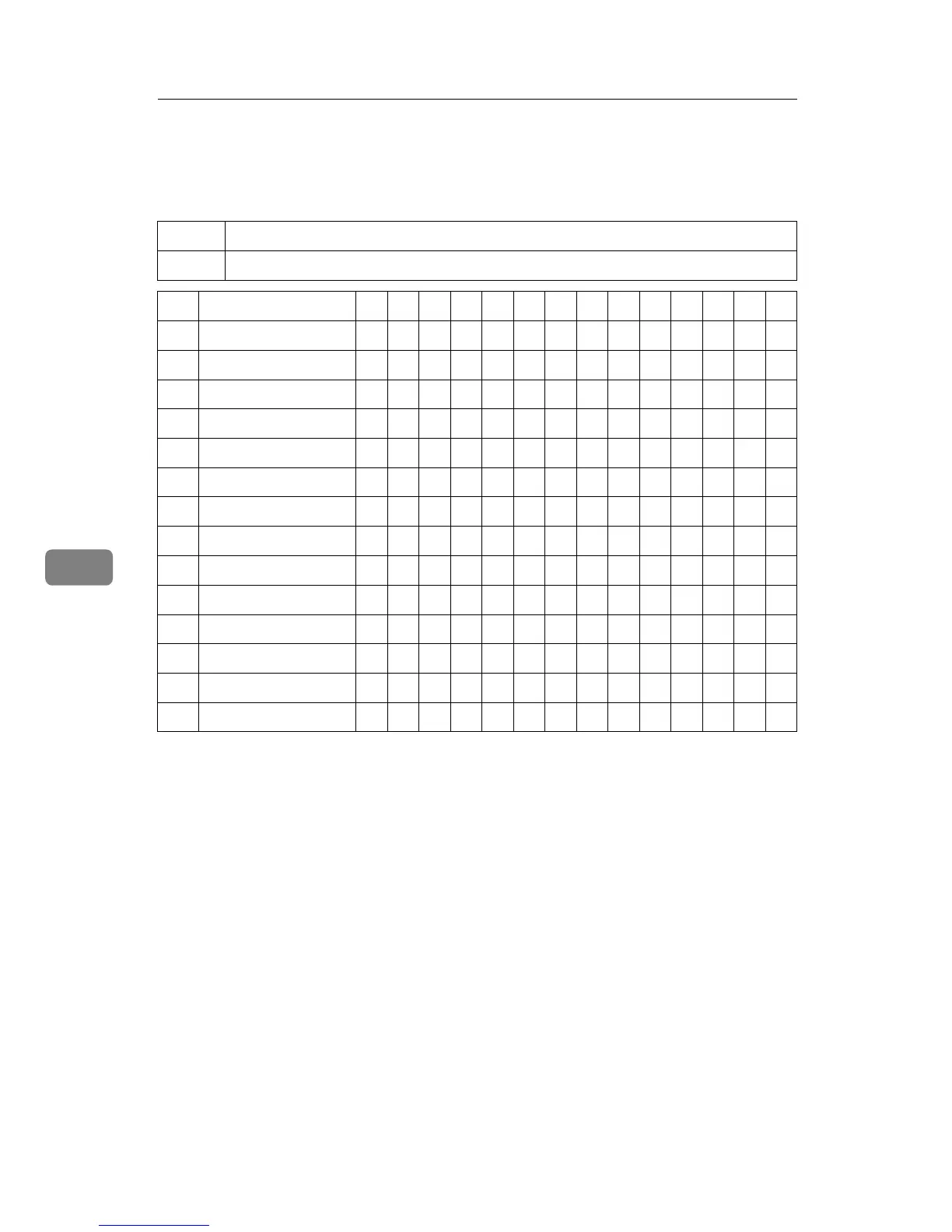
Combination Chart
This combination chart shows which modes can be used together.
❍
means that these modes can be used together.
×
means that these modes cannot be used together.
1234567 8 91011121314
1 Reduction
--
× ❍❍❍❍❍❍❍× ❍❍❍❍
2 Enlargement ×
--
❍❍❍❍❍❍❍× ❍❍❍❍
3Auto Cycle ❍❍
--
❍❍❍❍❍❍❍❍❍❍❍
4 Memory mode ❍❍❍
--
× ❍❍❍❍××❍❍❍
5Class mode ❍❍❍×
--
❍❍❍❍××❍❍❍
6 Combine Copies ❍❍❍❍❍
--
❍❍❍××❍❍❍
7 Center/Edge Erase ❍❍❍❍❍❍
--
❍❍× ❍❍❍❍
8 Type of Original ❍❍❍❍❍❍❍
--
❍ × ❍❍❍❍
9 Image Density ❍❍❍❍❍❍❍❍
--
× ❍❍❍❍
10 On-Line ××❍ ××××××
--
❍❍××
11 Overlay ❍❍❍×××❍❍❍❍
--
❍ ××
12 Economy mode ❍❍❍❍❍❍❍❍❍❍❍
--
❍❍
13 Tint mode ❍❍❍❍❍❍❍❍❍××❍
--
❍
14 Fine mode ❍❍❍❍❍❍❍❍❍××❍❍
--



 To Next Page