Service Program Mode
70
3
How to Check the Total
Number of Masters and Prints
Made Under All User Codes
(# 123)
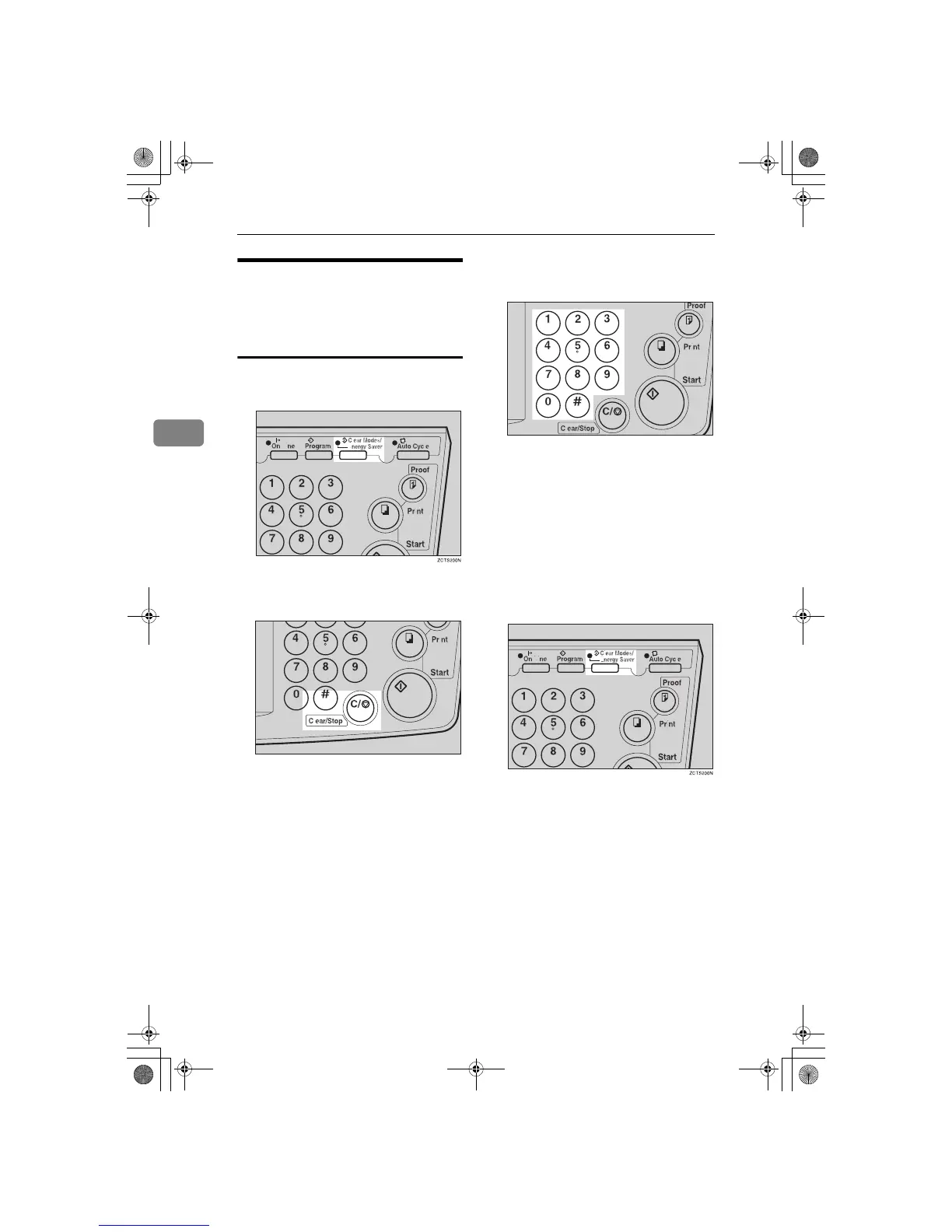
A
Press the {
{{
{
Clear Modes/Energy Sav-
er
}
}}
} key.
B
Hold down the {
{{
{
Clear/Stop
}
}}
} key
for at least 3 seconds.
C
Enter “123” with the number keys
and press the {
{{
{q
qq
q}
}}
} key.
The total number of masters and
prints made under all user codes
will be displayed in the guidance
display.
• M: Number of masters
• P: Number of prints
D
Press the {
{{
{
Clear Modes/Energy Sav-
er
}
}}
} key to leave Service Program
mode.
TSLS01AN
TSLS011N
SilverV-EN.book Page 70 Monday, May 15, 2000 3:23 PM



 To Next Page