Printing on Thick or Thin Paper
23
1
Printing on Thick or Thin Paper
When you make prints on thick (127.9
to 209.3g/m
2
, 34.0 to 55.6 lb), stan-
dard (52.3 to 127.9g/m
2
, 13.9 to 34.0
lb) or thin (47.1 to 52.3g/m
2
, 12.5 to
13.9 lb) paper, perform the following
steps.
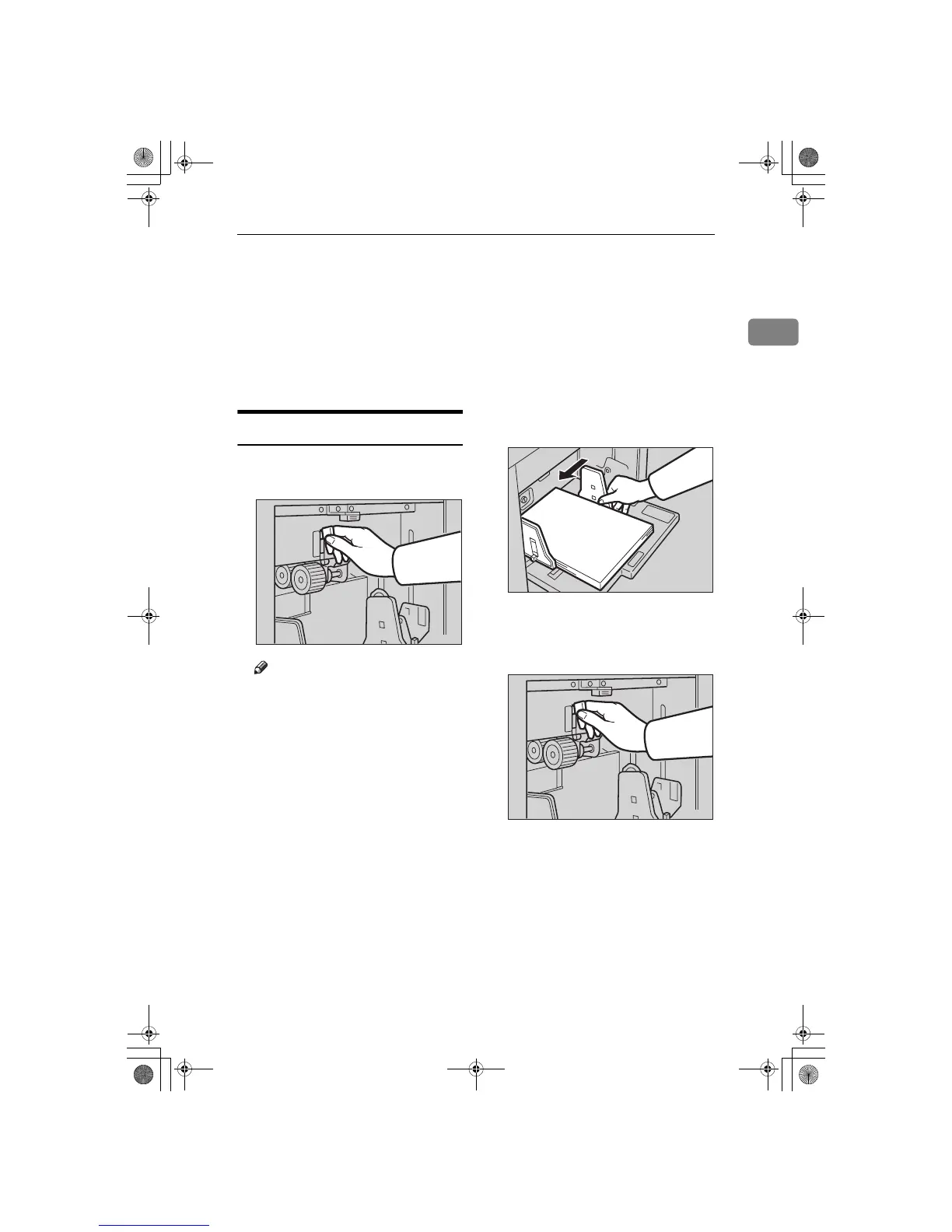
Pressure Lever Position
A
Position pressure lever to thick,
standard, or thin paper position.
Note
❒ When you use paper heavier
than 127.9g/m
2
, 34.0 lb and
lighter than 209.3g/m
2
, 55.6 lb,
position pressure lever to the
Thick paper position.
❒ When you use paper heavier
than 52.3g/m
2
, 13.9 lb and light-
er than 127.9g/m
2
, 34.0 lb, posi-
tion pressure lever to the
Standard paper position.
❒ When you use paper heavier
than 47.1g/m
2
, 12.5 lb and light-
er than 52.3g/m
2
, 13.9 lb, posi-
tion pressure lever to the Thin
paper position.
❒ In the case of paper smaller than
B5, 5
1
/
2
" × 8
1
/
2
" and heavier
than 81.4g/m
2
(21.6 lb), move
the feed roller pressure lever to
the Thin paper position.
B
Make sure that the paper feed
side plates touch the paper light-
ly.
C
When you finish prints, position
pressure lever to the Standard pa-
per position.
TSLH01CE
ZCTH150E
TSLH01CE
SilverV-EN.book Page 23 Monday, May 15, 2000 3:23 PM



 To Next Page