Program—Storing Your Print Settings in Memory
41
1
E
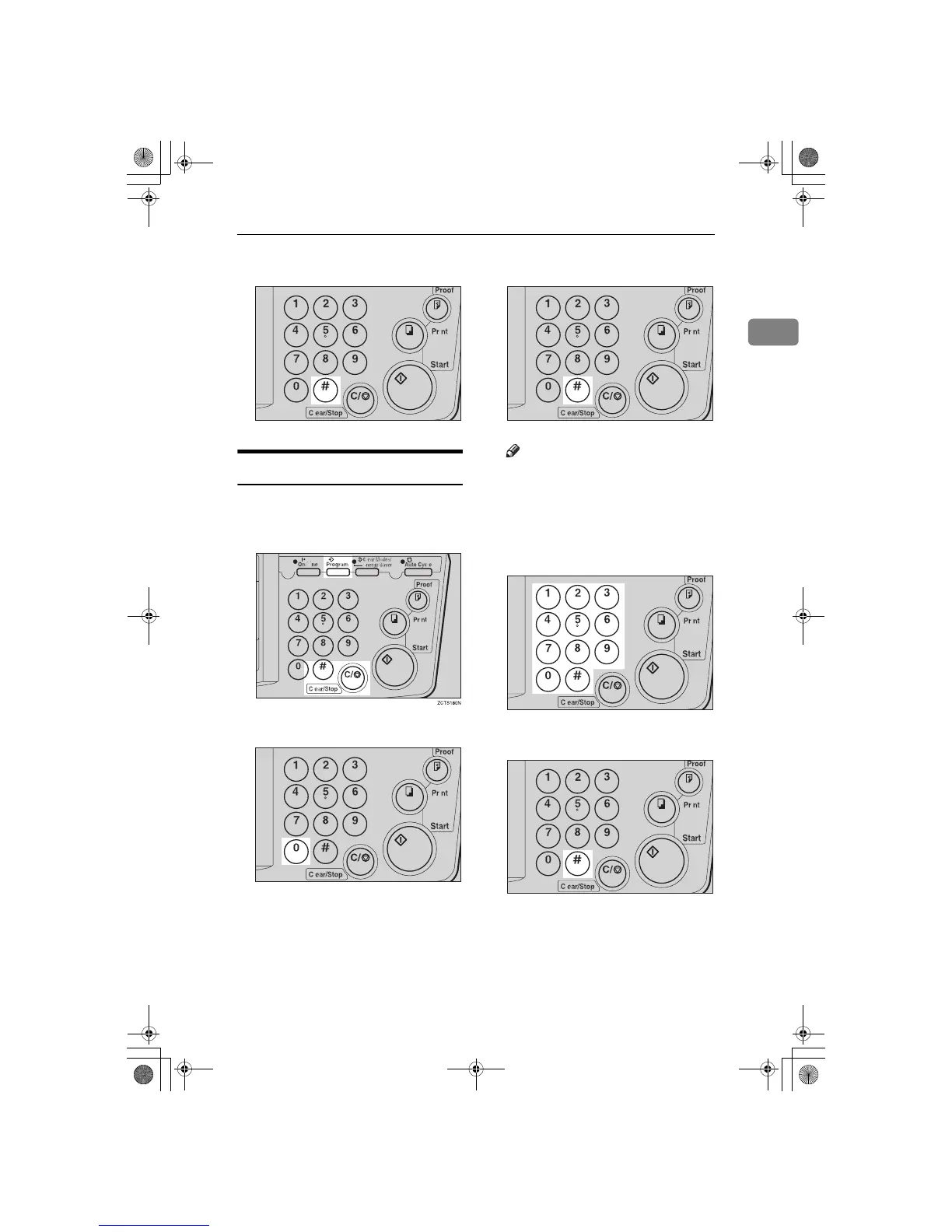
Press the {
{{
{q
qq
q }
}}
} key.
Removing Program Protection
A
While holding down the {
{{
{
Clear/
Stop
}
}}
} key, press the {
{{
{
Program
}
}}
}
key.
B
Enter “0” with the number key.
C
Press the {
{{
{q
qq
q}
}}
} key.
Note
❒ If no program number is pro-
tected, the machine returns to
the ready condition.
D
Select the program number you
want to remove protection from
with the number keys.
E
Press the {
{{
{q
qq
q}
}}
} key.
TSLS01TN
TSLS01MN
TSLS01TN
TSLS011N
TSLS01TN
SilverV-EN.book Page 41 Monday, May 15, 2000 3:23 PM



 To Next Page