Service Program Mode
58
3
Changing the Settings of Service Programs
A
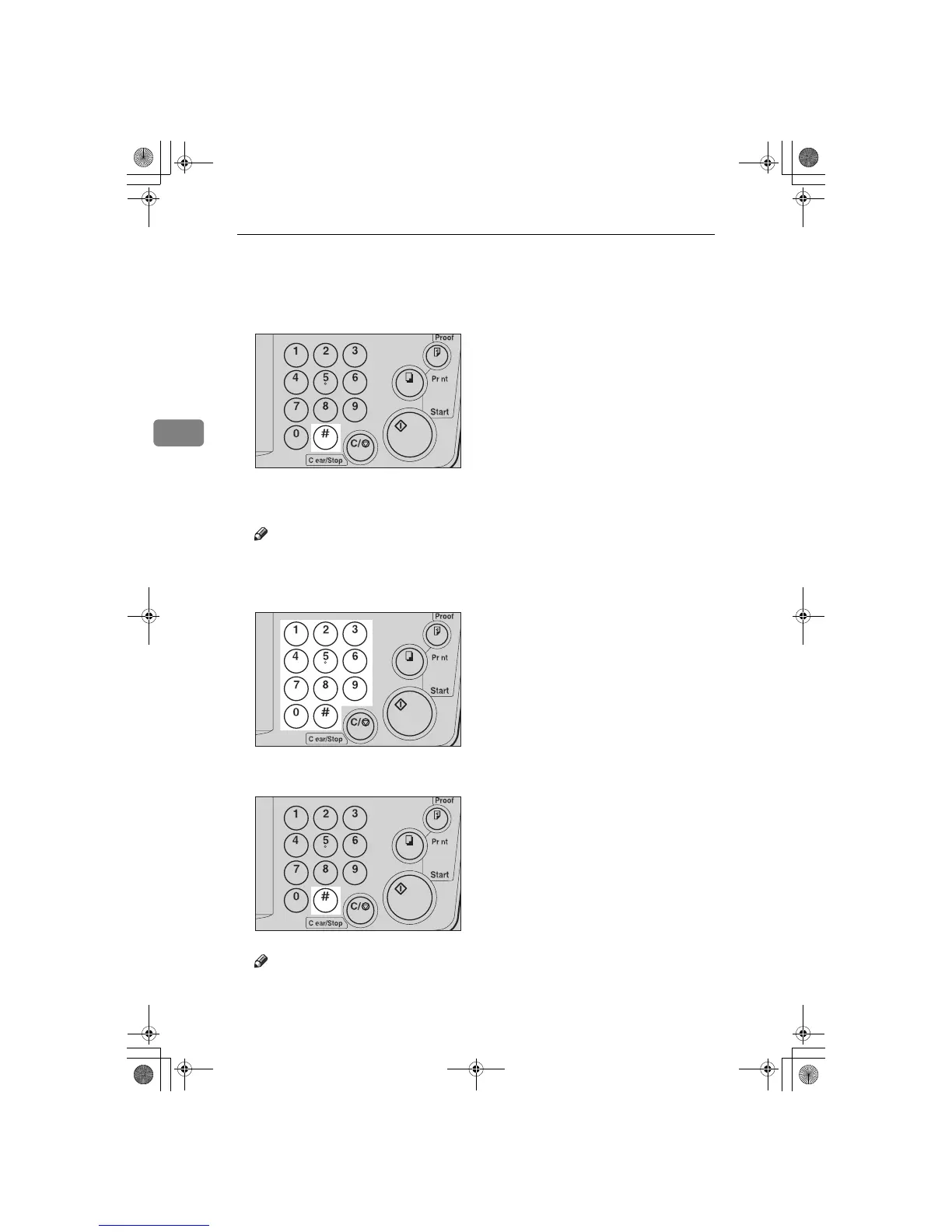
After entering the desired SP No., press the {
{{
{q
qq
q }
}}
} key.
The value or mode set at the factory will be displayed at the end of the second
line on the guidance display.
Note
❒ If you designate the wrong SP No., press the {
Clear Modes/Energy Saver
}
key. Then, re-enter the desired SP No.
B
Enter the desired value or mode with the number keys.
C
Press the {
{{
{q
qq
q }
}}
} key to store the desired value or mode.
Note
❒ If you enter the wrong value or mode, press the {
Clear Modes/Energy Saver
}
key. Then, go back to step
A
.
TSLS01TN
TSLS011N
TSLS01TN
SilverV-EN.book Page 58 Monday, May 15, 2000 3:23 PM



 To Next Page