xii
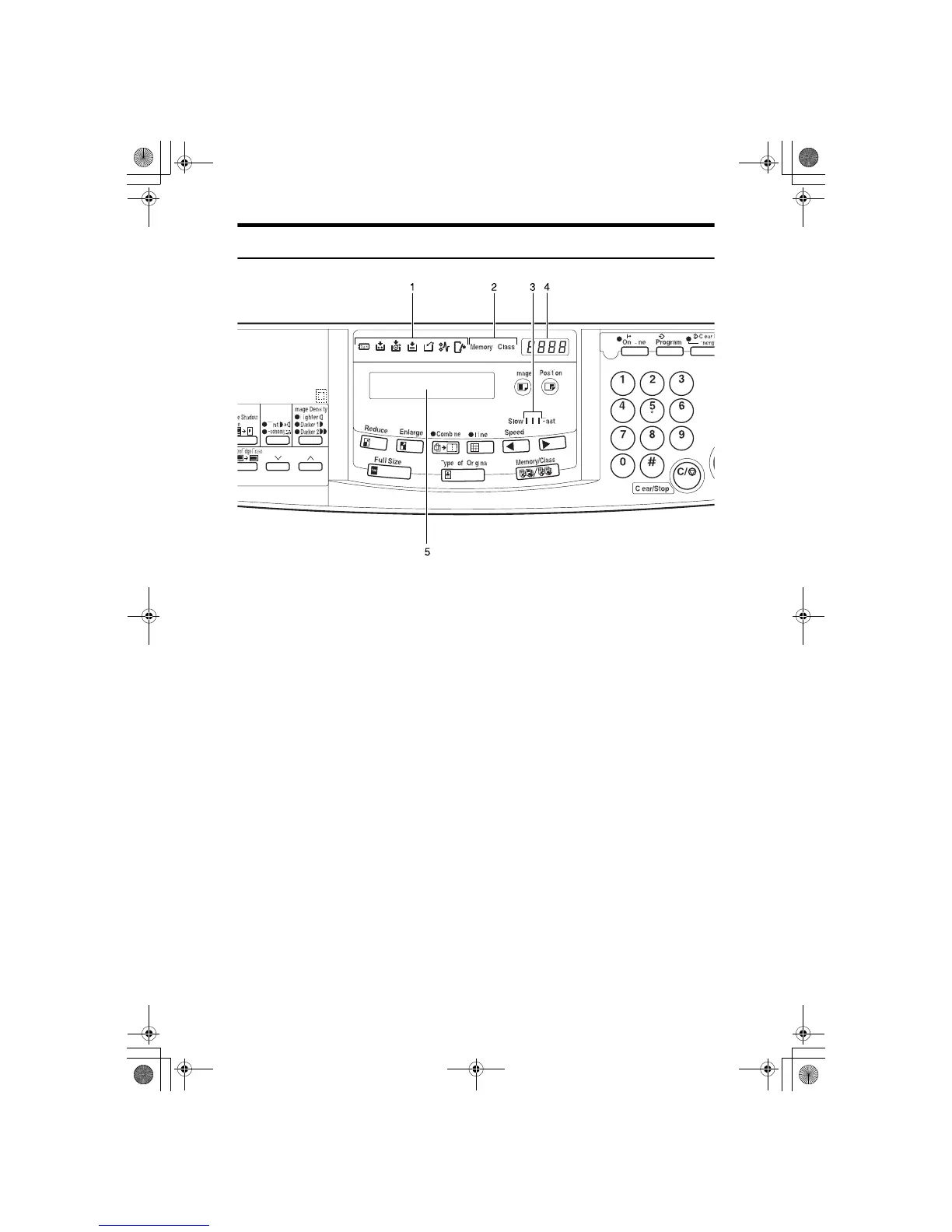
Indicators
1. Error indicators
These indicators are lit when a non-stan-
dard condition occurs within the ma-
chine.
2. Memory/Class indicator
Shows the number entered in Memory or
Class mode.
3. Speed indicators
These indicators show the printing speed
that is selected.
4. Counter
Displays the number of prints entered.
While printing, it shows the number of
prints remaining.
5. Guidance display
Display the machine's condition.
SilverV-EN.book Page xii Monday, May 15, 2000 3:23 PM



 To Next Page