Center/Edge Erase—Erasing center and Edge Margins
19
1
C
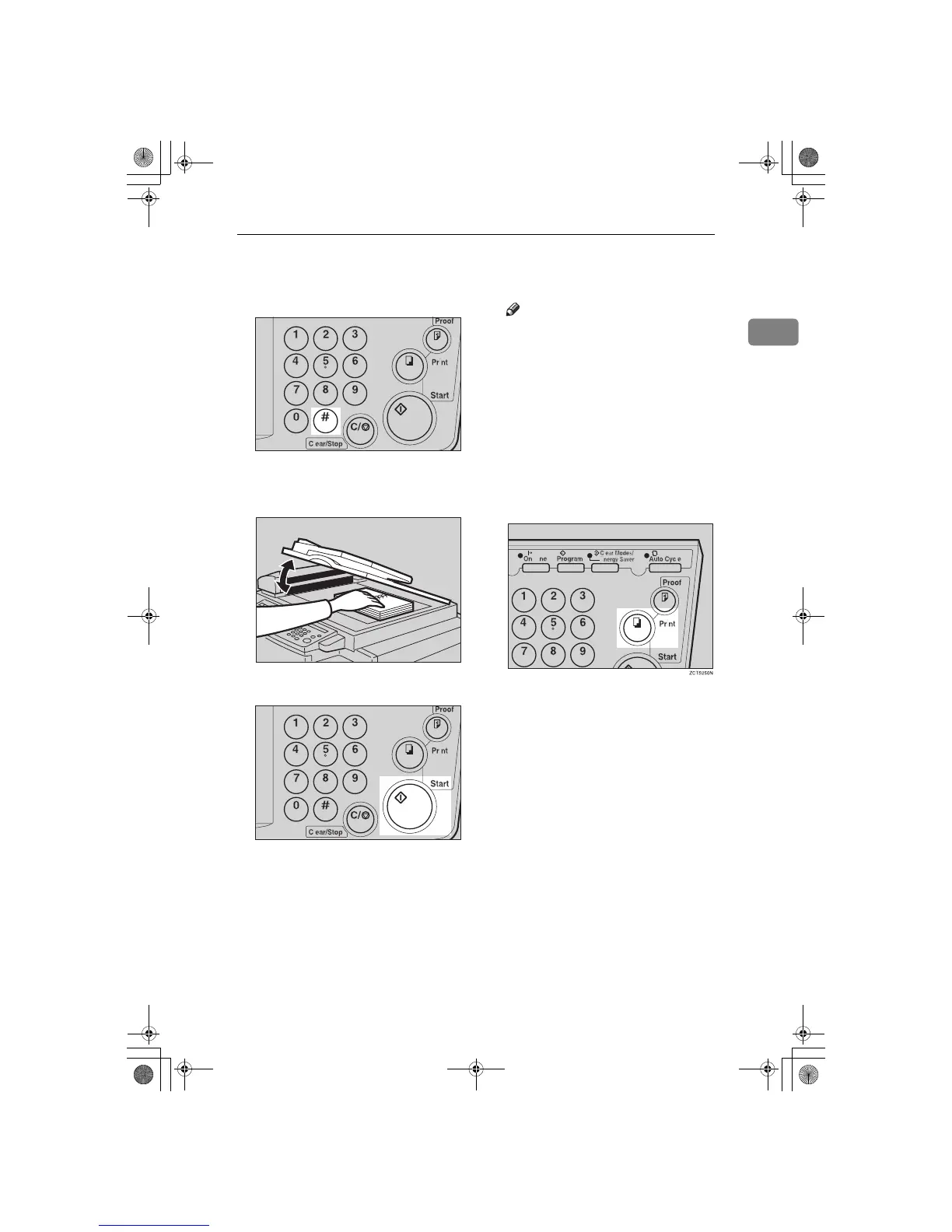
When you reach the desired paper
size and direction, press the {
{{
{q
qq
q }
}}
}
key.
D
Set the book on the exposure
glass.
E
Press the {
{{
{
Start
}
}}
} key.
F
Check the image position of the
trial or proof print.
Note
❒ If the image position is not cor-
rect, adjust it using the {
Image
Position
} keys (see ⇒ P.9 “Ad-
justing the Print Image Position”)
or the side tray fine adjusting
dial (see ⇒ P.10 “Shifting the
Print Image Position to the Right
or Left”).
G
Enter the number of prints with
the number keys.
H
Press the {
{{
{
Print
}
}}
} key.
TSLS01TN
TSLH014E
TSLS012N
SilverV-EN.book Page 19 Monday, May 15, 2000 3:23 PM



 To Next Page