Color Printing Using the Optional Color Drum
55
2
F
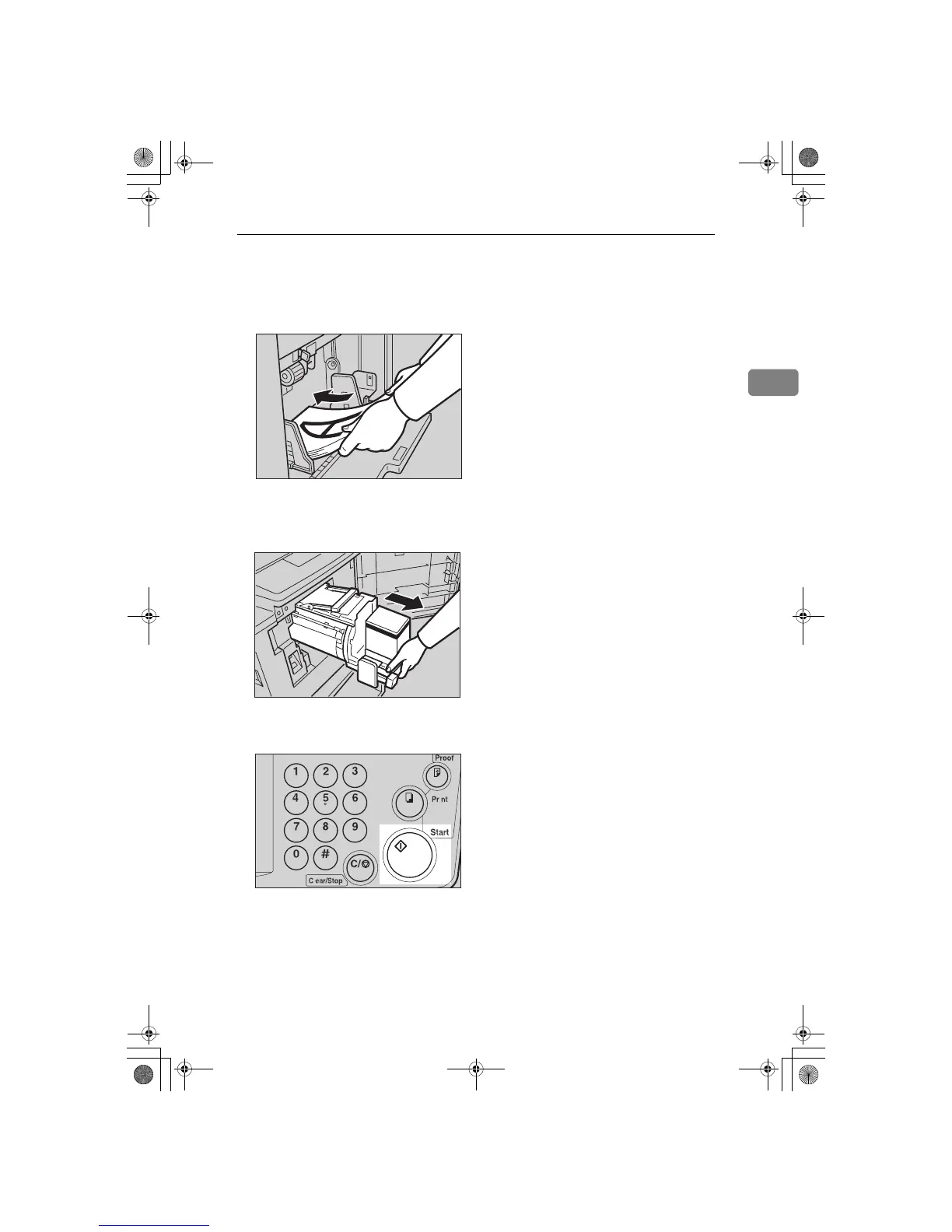
Remove the prints from the paper
delivery tray and set them on the
paper feed tray again as shown in
the illustration.
G
Exchange the drum unit. See ⇒
⇒⇒
⇒
P.52 “Changing the color Drum
Unit”.
H
Set the second original and press
the {
{{
{
Start
}
}}
} key.
I
Check the image position.
J
Press the {
{{
{
Print
}
}}
} key.
TSLY019E
TSLH01QE
TSLS012N
SilverV-EN.book Page 55 Monday, May 15, 2000 3:23 PM



 To Next Page