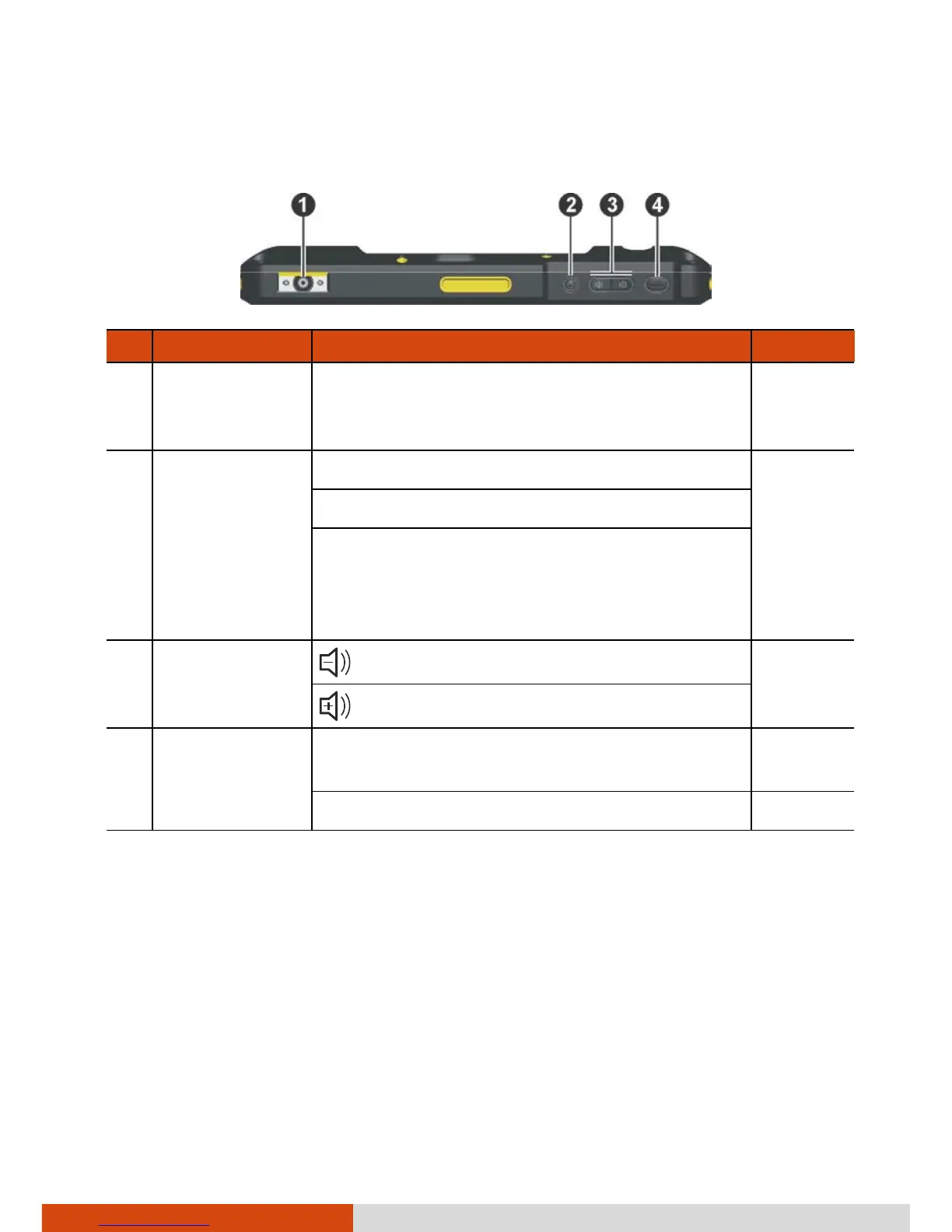
Component Description See Also
Barcode
Reader Lens
(Optional)
Scans and reads barcodes. P. 6-1
Power Button Starts up your device. P. 2-1
Turns off or restores the screen.
When pressed longer:
Opens a menu with options for Power off,
Airplane mode, and silent/vibrate/ring
mode.
Volume
Control
Buttons
decreases the sound volume.
increases the sound volume.
Trigger Button Provides the “trigger” function for the
barcode reader.
Can be redefined. P. 7-5



 To Next Page