2-4
Basic Skills
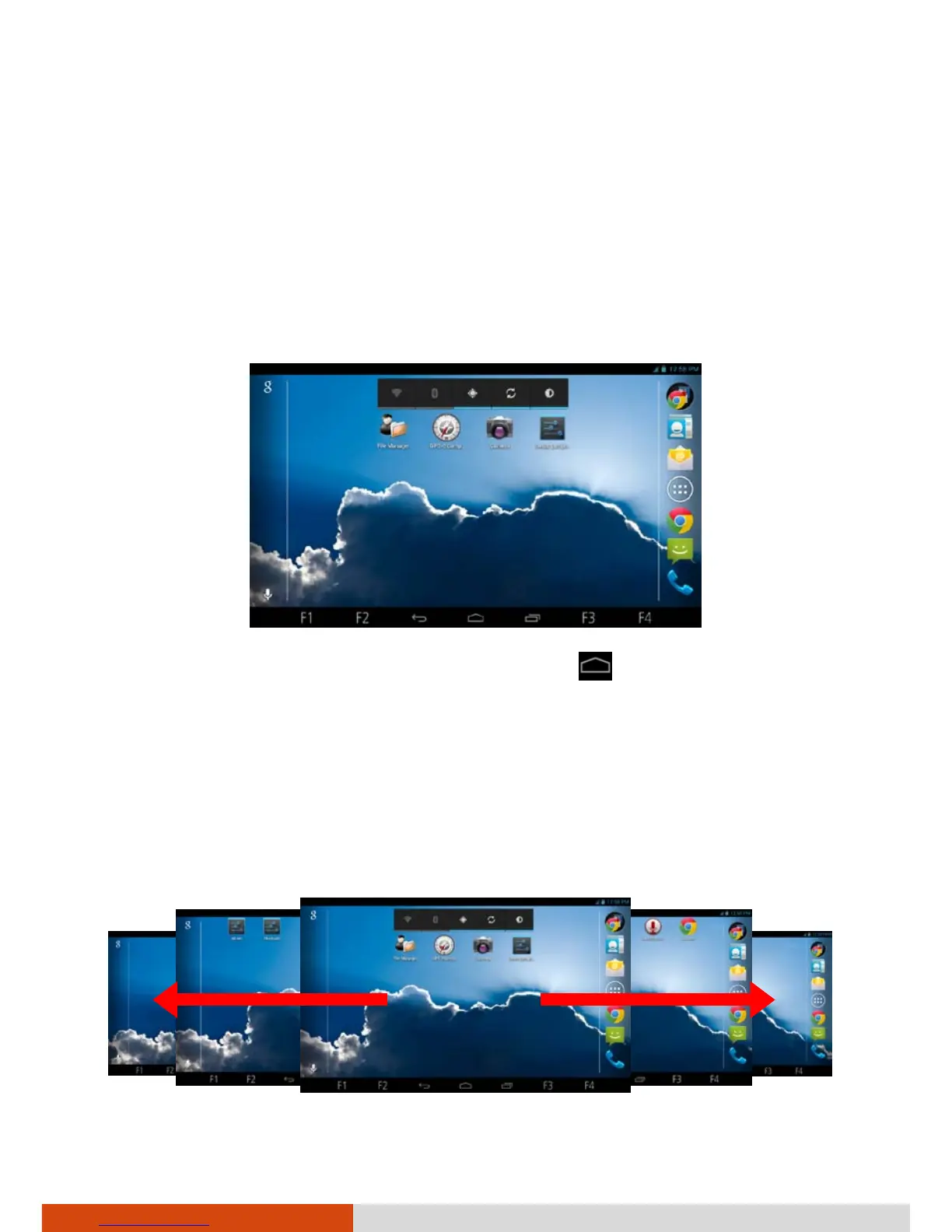
Home Screen
The Home screen is your starting point to access all the features on your
device. You can have it display application icons, widgets, shortcuts, and
other features that you want. The default Home screen already contains
some shortcuts and widgets.
On the right side of every Home screen is the Favorites tray.
To return to the Home screen at any time, touch
at the bottom of the
screen.
Extensions to the Home Screen
You can slide left or right across the Home screen to see other parts of the
Home screen. Extensions to the Home screen provide more space for
widgets, shortcuts, and other items.



 To Next Page