Placing and Receiving Calls (Select Models Only) 4-5
Ending a Call
To end a call, touch the red bar at the bottom of the screen.
During a Call
Adjusting the Phone Volume
To adjust the call volume, use the volume control button on your device (
to increase or
to decrease).
CAUTION: Never raise the sound volume level too high when using
earphones. An excessive sound volume level could cause damage to your
hearing.
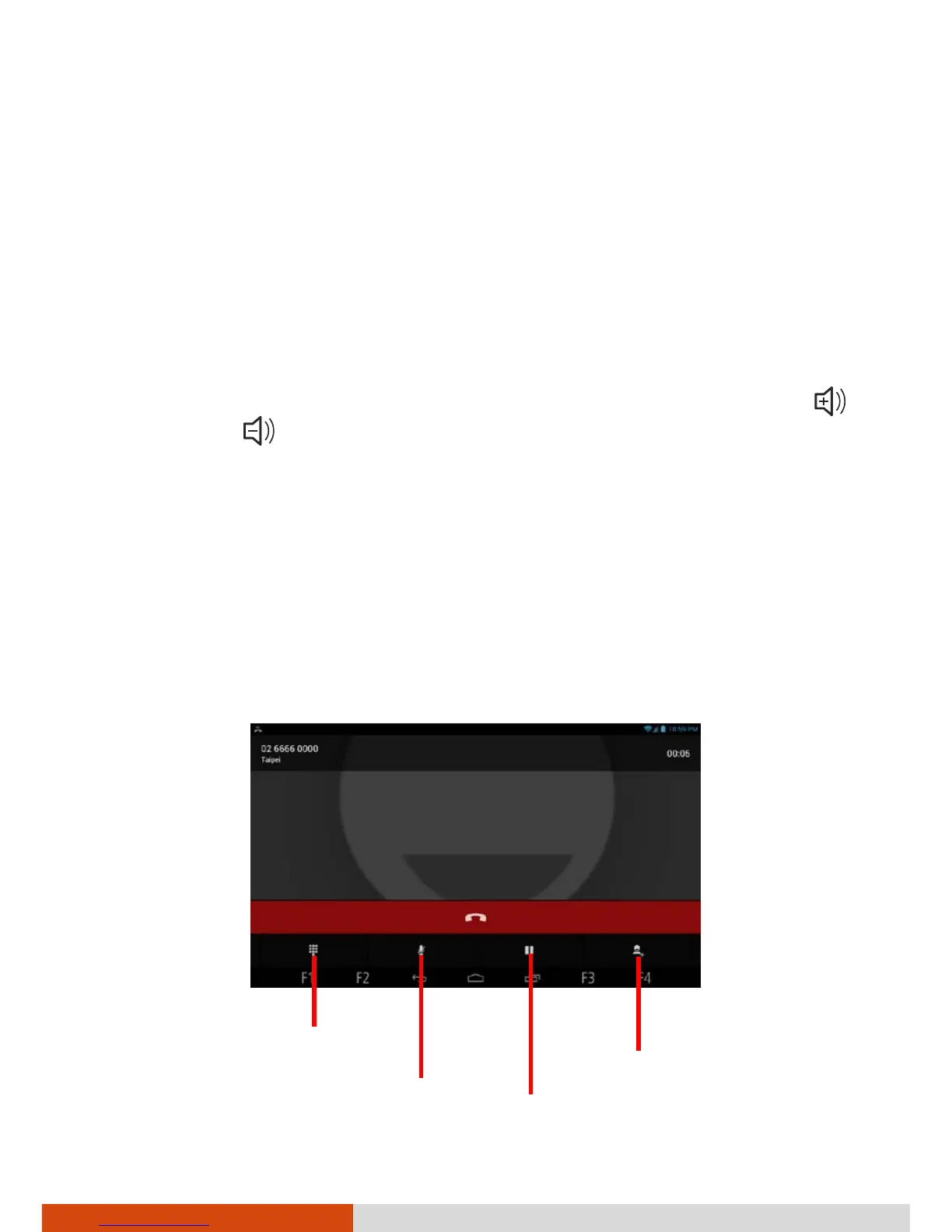
Using Additional Functions
When a call is in progress, you can put a call on hold, create a phone
conference, mute your microphone, and more. Use the icons on the screen
for various operations
P



 To Next Page