Placing and Receiving Calls (Select Models Only) 4-3
NOTE: Besides managing your contacts information from here, you can also
use the People application to manage the information.
2. Touch the phone number to use to call the contact.
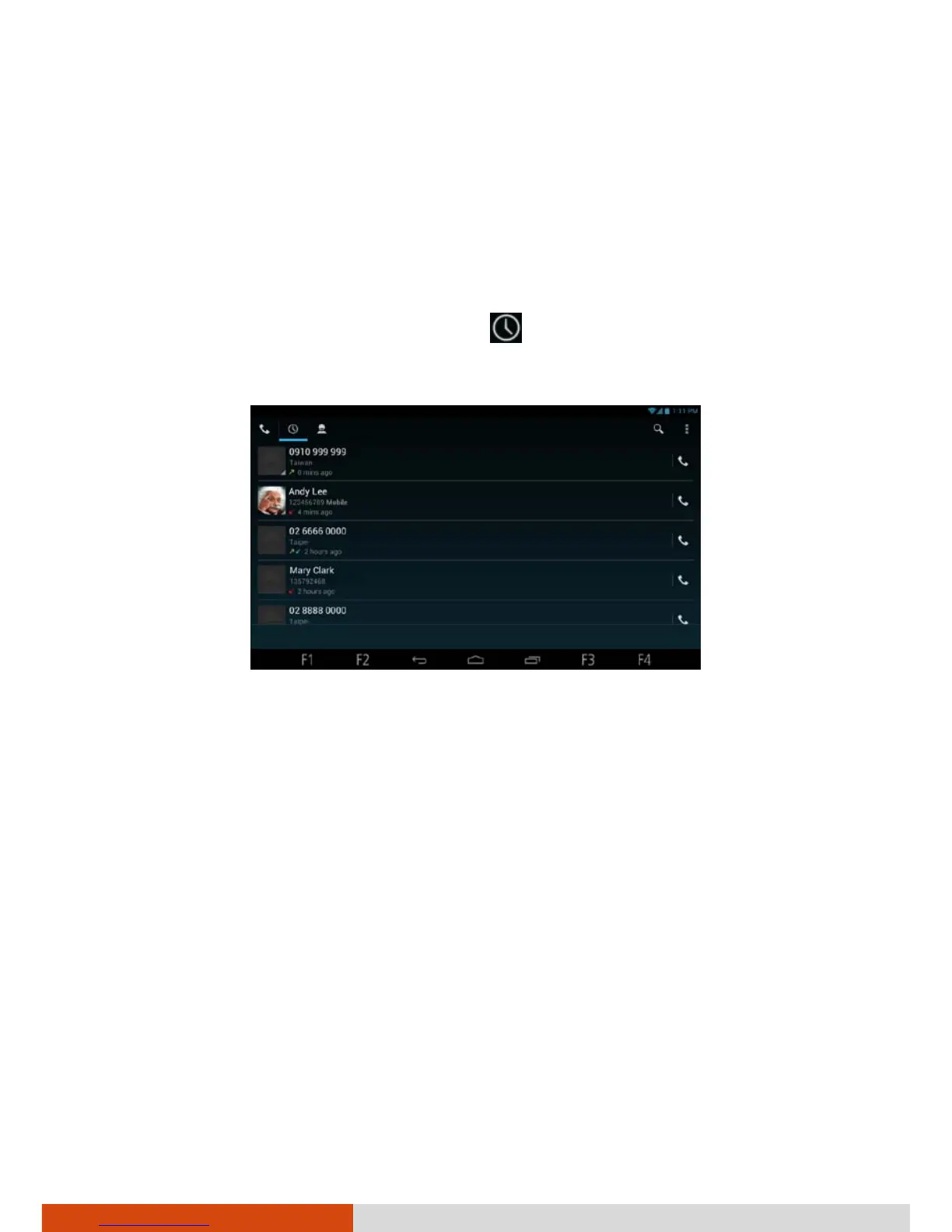
Placing a Call from the Call Log
1. Open the Phone application. Touch .
The Call log is a list of all the calls you’ve made, received or missed.
2. Touch the white phone icon at the right of the entry.



 To Next Page