Basic Skills 2-3
Touch and hold
Touch and hold the stylus on an item to see a list of actions available for
that item.
Drag
Hold the stylus on an item and, without lifting the stylus, move across
the screen until you reach the target position.
Swipe or slide
Move the stylus across the screen, without pausing when you first touch
it (so you don’t “drag” instead). For example, you slide the screen up or
down to scroll a list.
Pinch
In some applications (such as Maps and Gallery), you can zoom in and
out by placing two fingers on the screen at once and pinching them
together (to zoom out) or spreading them apart (to zoom in).
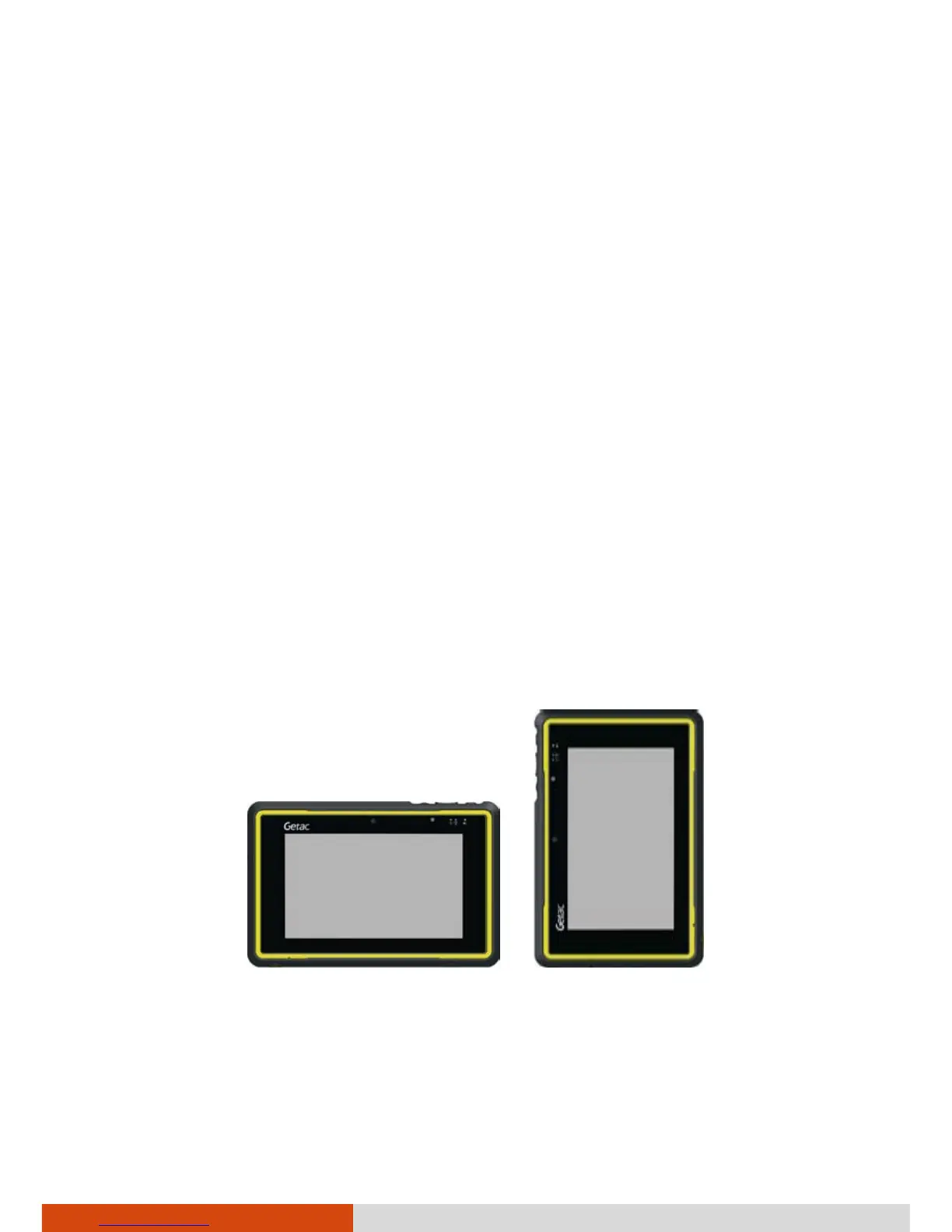
Landscape or Portrait View
Your device supports a landscape view and a portrait view (rotate 90° to the
left) as shown below. The display orientation changes automatically when
you rotate the device 90° to the left or back.
Landscape Portrait
NOTE: The orientation remains landscape when you rotate the device 90° to
the right or 180° to an upside down manner.
ABC
ABC



 To Next Page