4-4
Placing and Receiving Calls (Select Models Only)
Responding to a Call
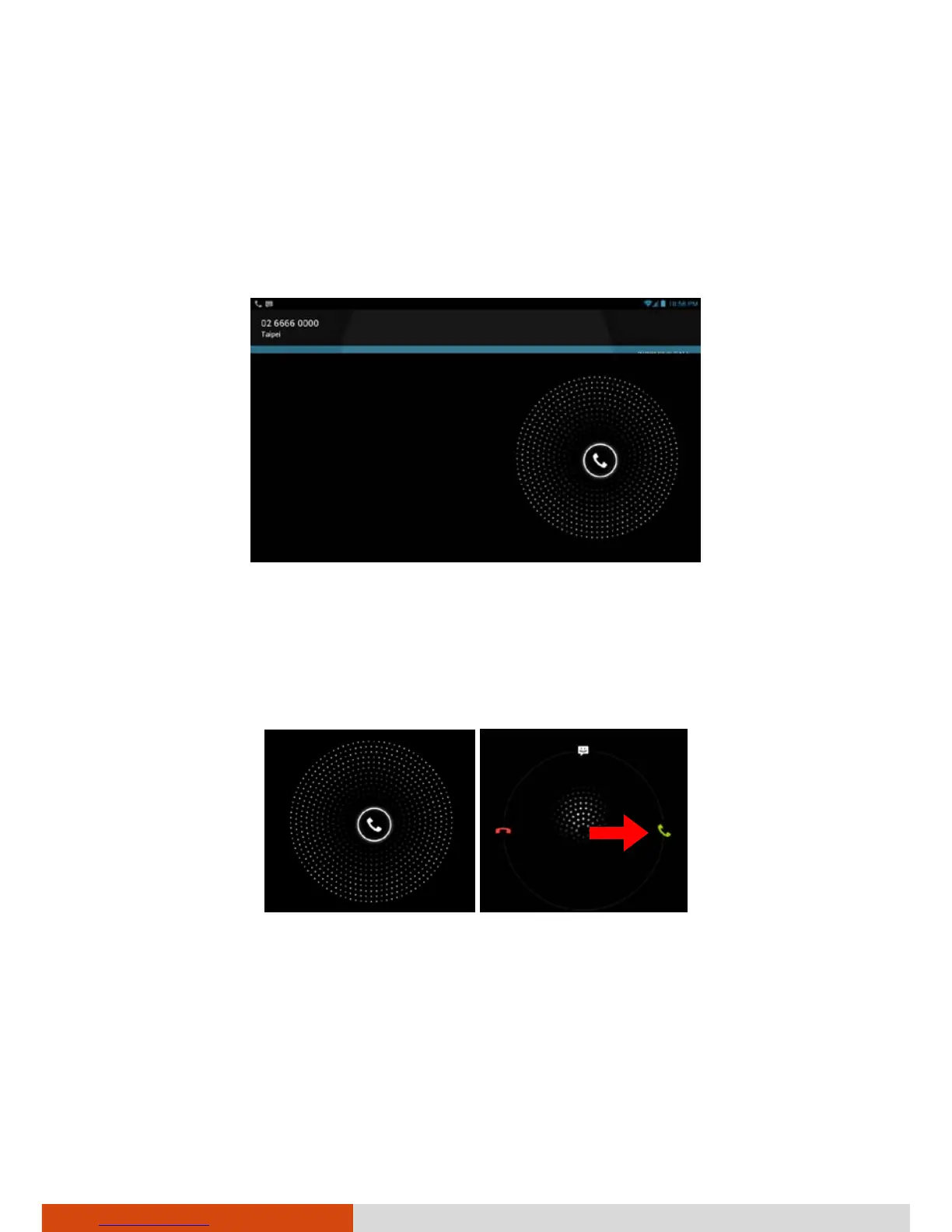
When you receive a phone call, the Incoming Call screen opens with the
caller ID and any additional information about the caller that you have
entered in Contacts.
Answering a Call
To answer an incoming call, drag the white phone icon to the right toward
the green phone icon.
Declining a Call
To decline an incoming call, drag the white phone icon to the left toward
the red phone icon.



 To Next Page