Basic Skills 2-7
Navigation Bar
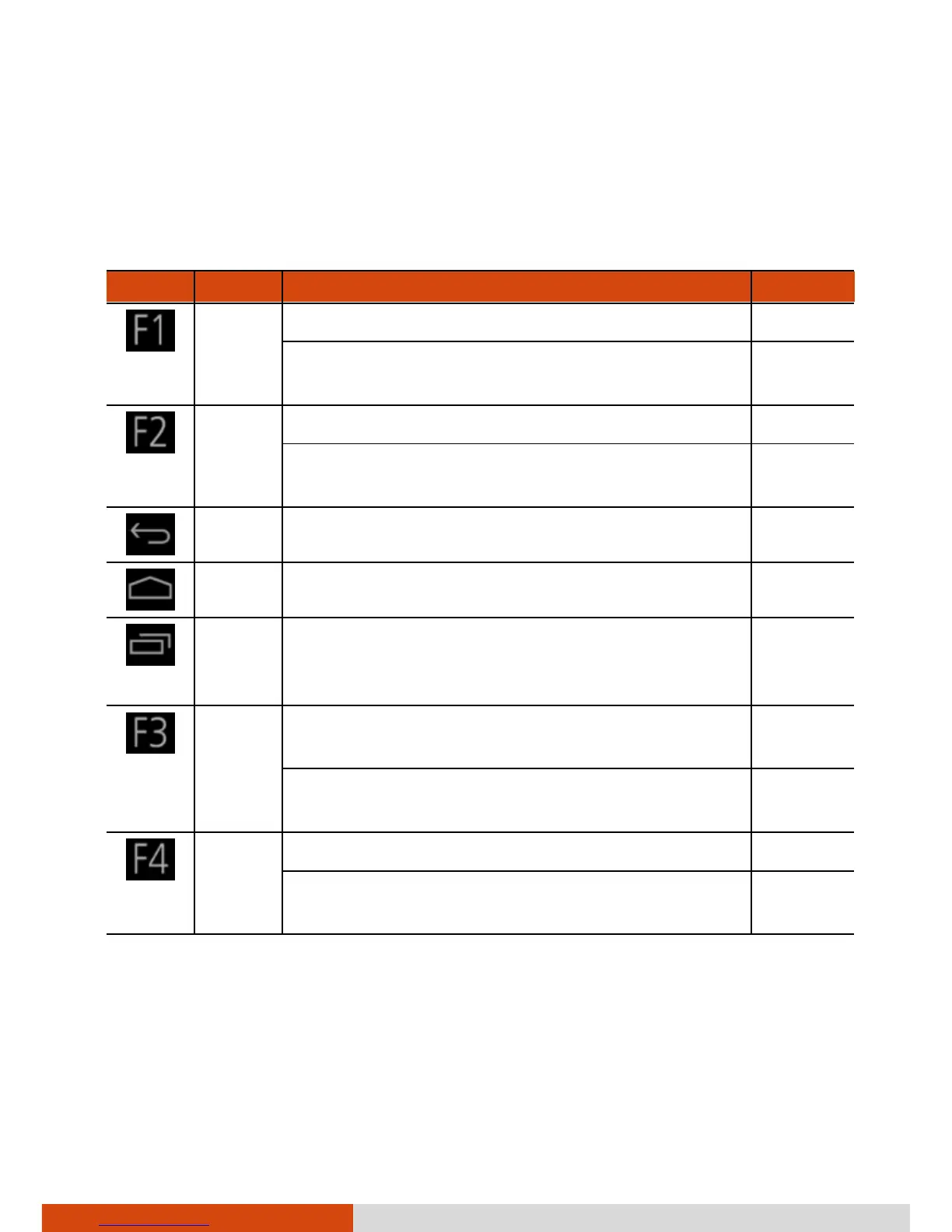
The navigation bar at the bottom of the screen provides buttons for
navigation purposes and frequently-used tasks.
Button Name Description See Also
F1 Opens File Manager.
You can assign a different application to the
button.
P. 7-5
F2 Opens GPS-ECompass. P. 6-6
You can assign a different application to the
button.
P. 7-5
Back Goes back to the previous screen.
Home Opens the Home screen. P. 2-4
Recent
Apps
Opens a screen containing thumbnails of
applications you’ve used recently. Touch a
thumbnail to open that application.
F3 Serves as the shutter button for Camera.
When pressed longer, it opens Camera.
P. 5-4
You can assign a different application to the
button.
P. 7-5
F4 Opens the Search box.
You can assign a different application to the
button.
P. 7-5



 To Next Page