4-2
Placing and Receiving Calls (Select Models Only)
Placing a Call
Dialing a Call
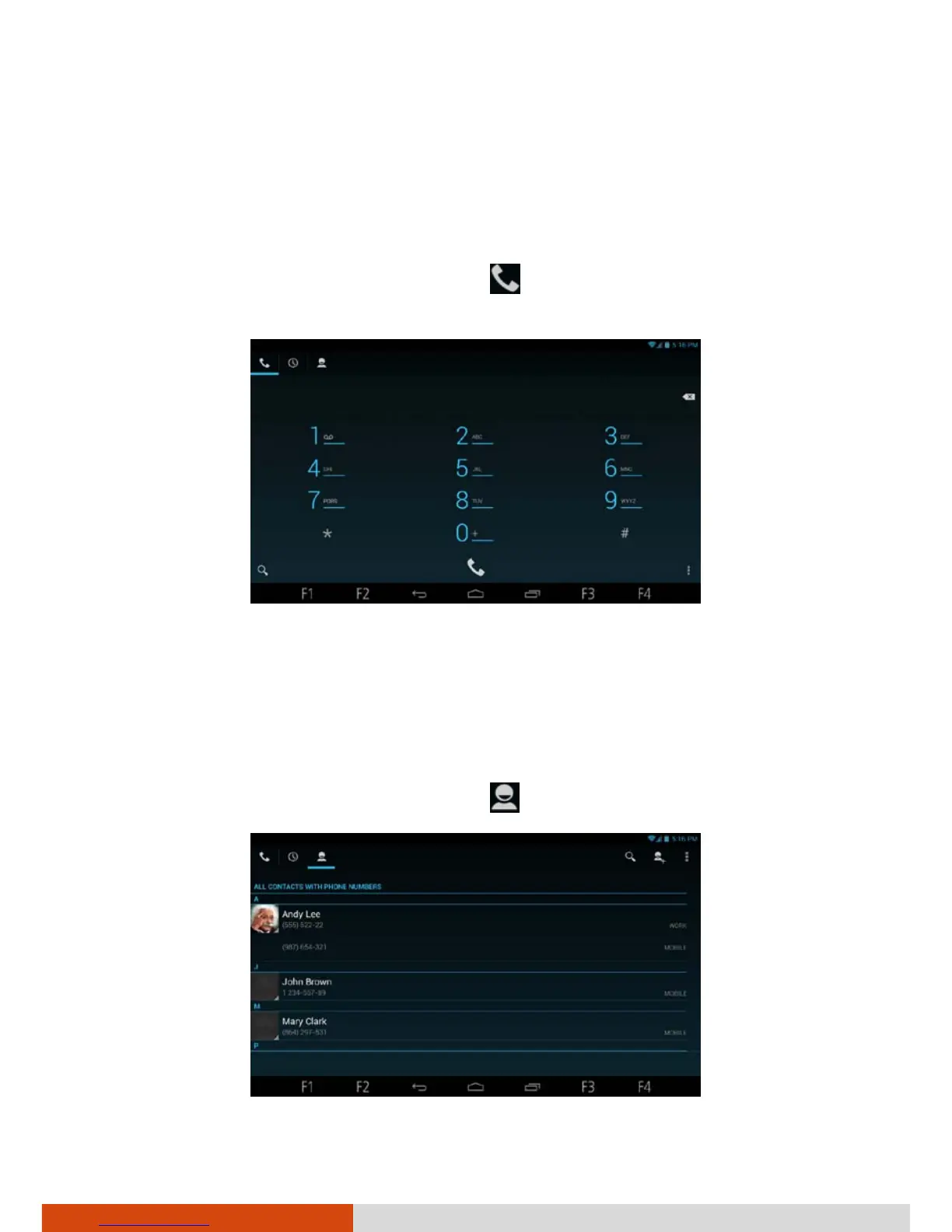
1. Open the Phone application. Touch if you are not in the phone
keypad screen.
2. Touch the keys on the phone keypad to enter phone number.
3. Touch the white phone icon at the bottom of the screen to place the call.
Placing a Call from Contacts
1. Open the Phone application. Touch . You will see your contacts list.



 To Next Page