2-6
Basic Skills
Using Applications
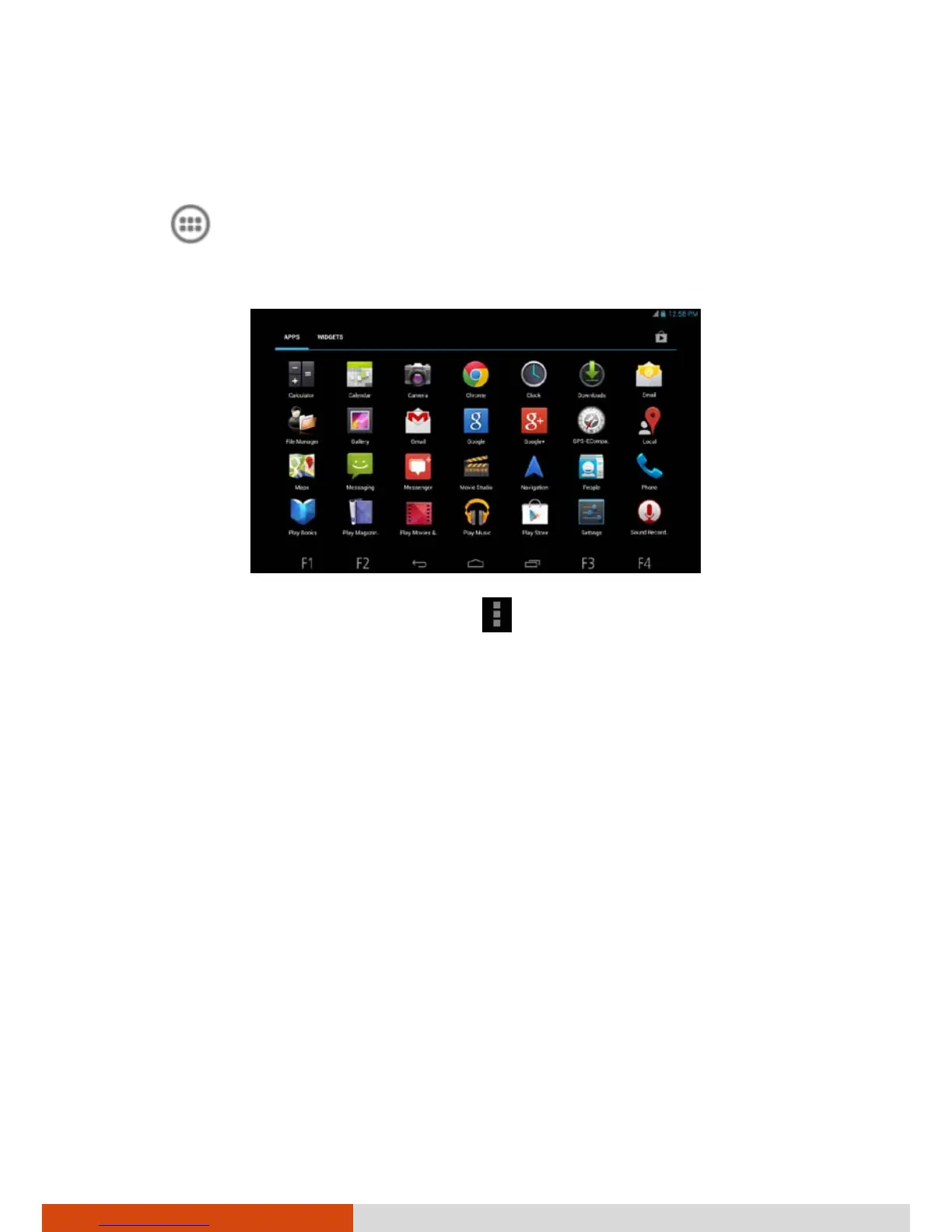
Touch (in the Favorites tray) on the Home screen to open the All Apps
screen. The screen holds icons for all of the applications on your device.
Touch an icon to open the application.
Most applications include a Menu icon
near the top or lower right corner
of the screen. The menu contains tools that apply to the activities of the
current screen or application.



 To Next Page