Basic Skills 2-9
Entering Information
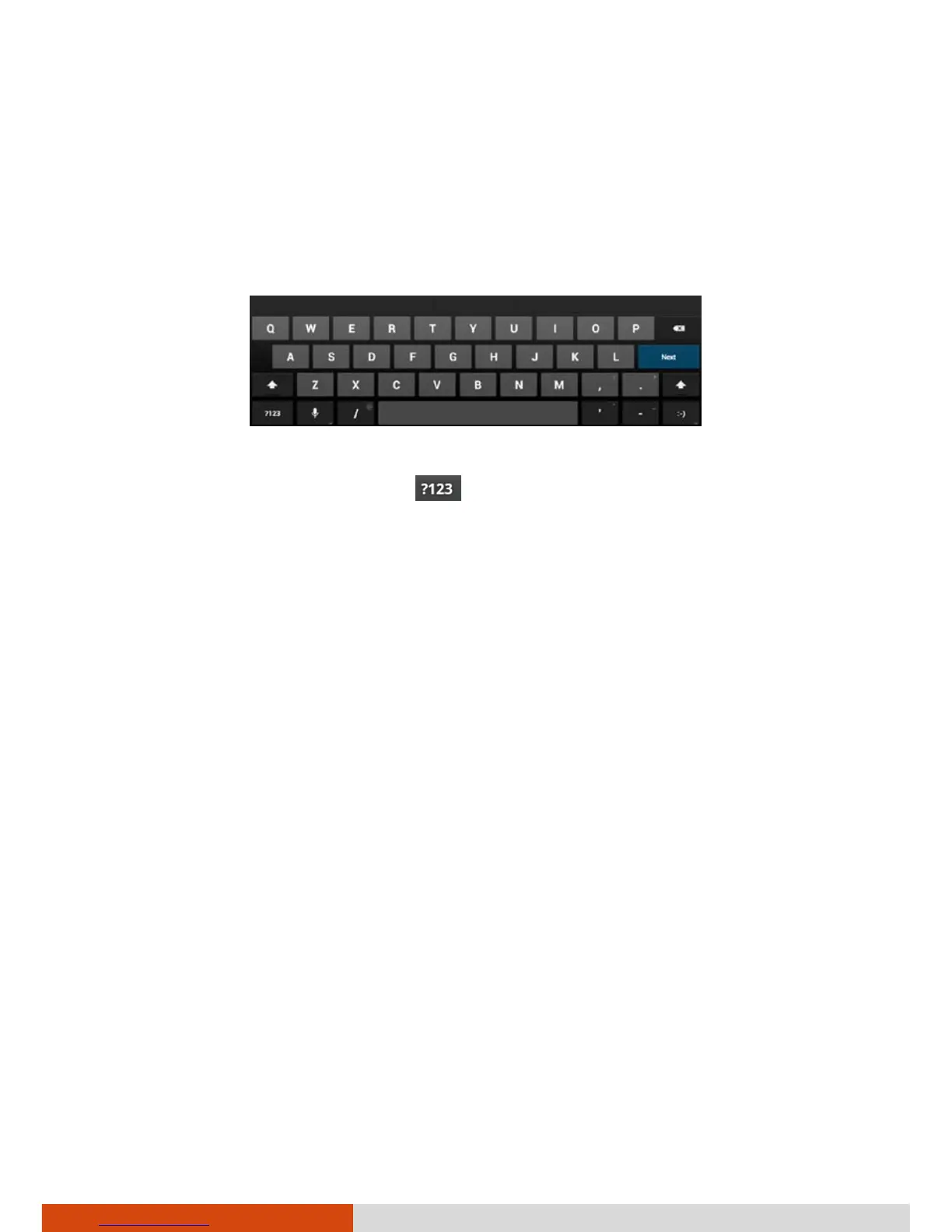
You enter text, numbers, and symbols using the onscreen keyboard. Some
applications open the keyboard automatically. In others, you touch an input
field where you want to enter text to open the keyboard.
To enter text, touch the keys on the keyboard to type. To enter numbers or
symbols, touch the Symbols key
to switch to the numbers and symbols
keyboard.



 To Next Page