6-4
Getac Applications
2. Touch the name of a symbology to configure. You can enable or disable
the individual symbology and configure the options as needed.
To restore default settings or enable all symbologies, touch Module.
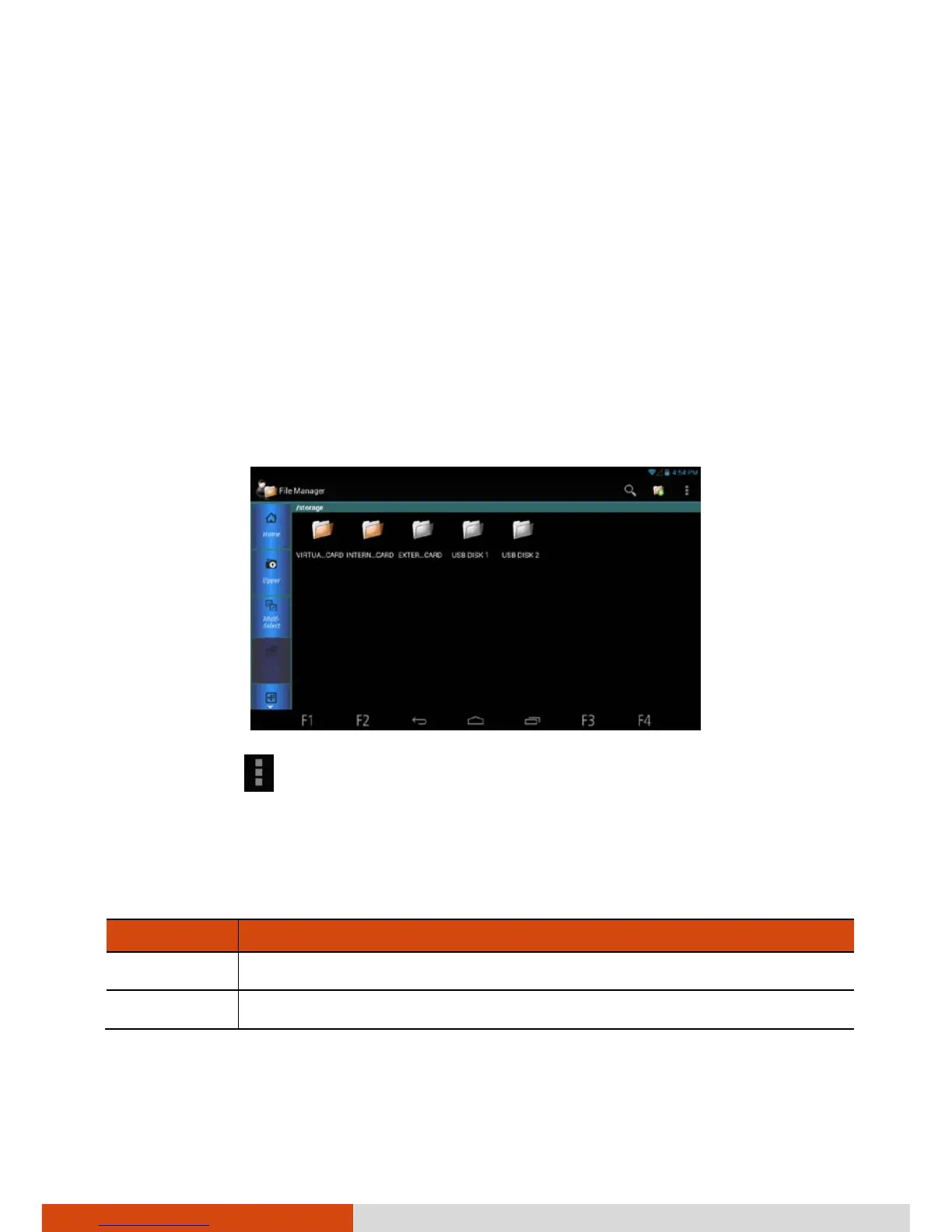
File Manager
File Manager allows you to organize your data in the internal SD card and
any connected external storage (such as a microSD card or USB disk).
Touch the File Manager shortcut on the Home screen or touch File Manager
in the All Apps screen.
To exit, touch
Exit.
Button Descriptions
Left side buttons:
Buttons Descriptions
Home Goes to the root directory.
Upper Goes one level up to the parent directory.



 To Next Page