Basic Skills 2-1
Chapter 2
Basic Skills
This chapter familiarizes you with the basic operations of your device.
CAUTION: The device can get uncomfortably warm when you use it in high
temperatures. In such a circumstance, please take safety measures (such as
wearing gloves) to protect yourself. Prolonged body contact can cause
discomfort and potentially a burn.
Waking Up and Shutting Down
Waking Up
Your device sleeps after a period of inactivity (1 minute by default). You can
also manually put your device to sleep by briefly pressing the power button.
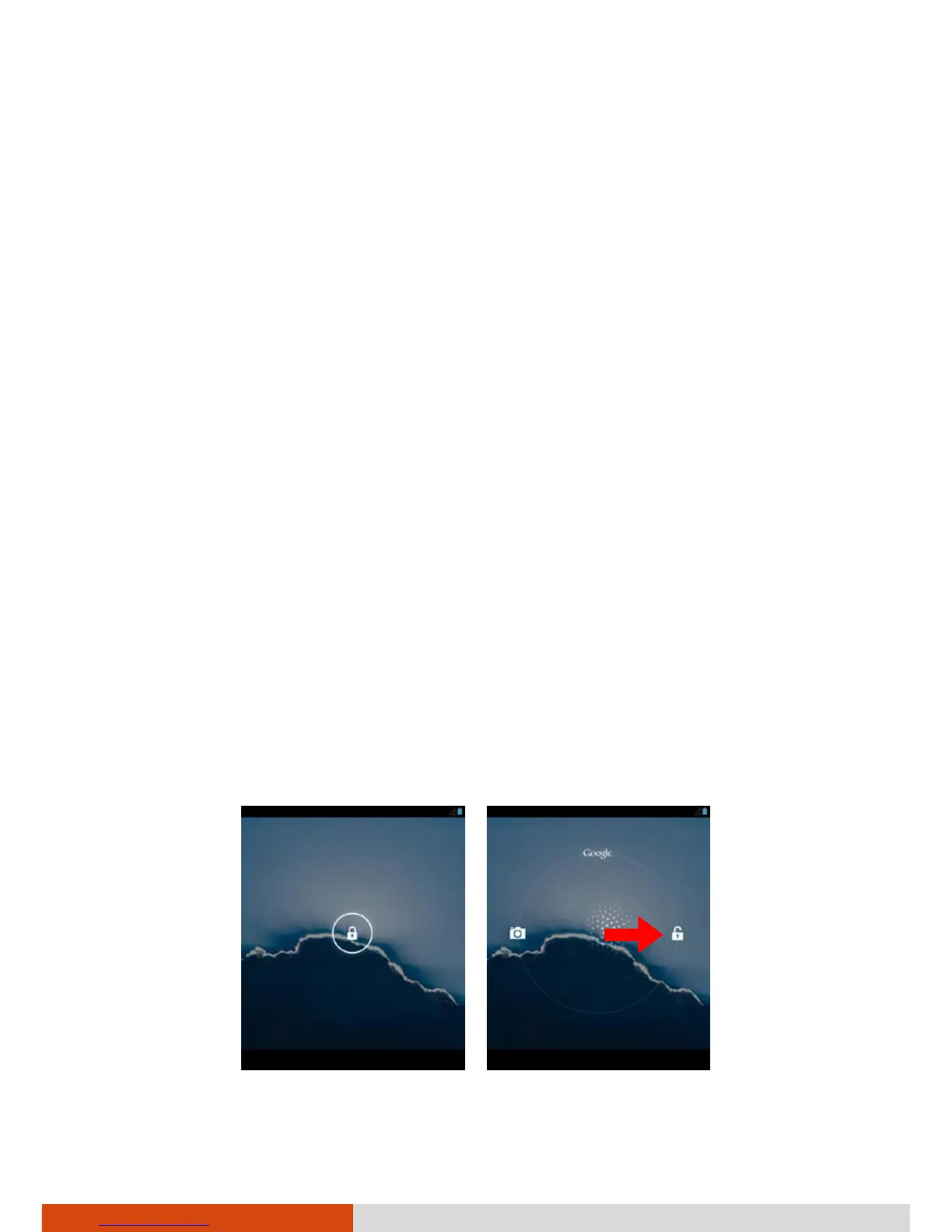
To wake up, press the power button and, at the lock screen, drag the lock
icon toward the unlock icon.



 To Next Page