5-6
Android Preinstalled Applications
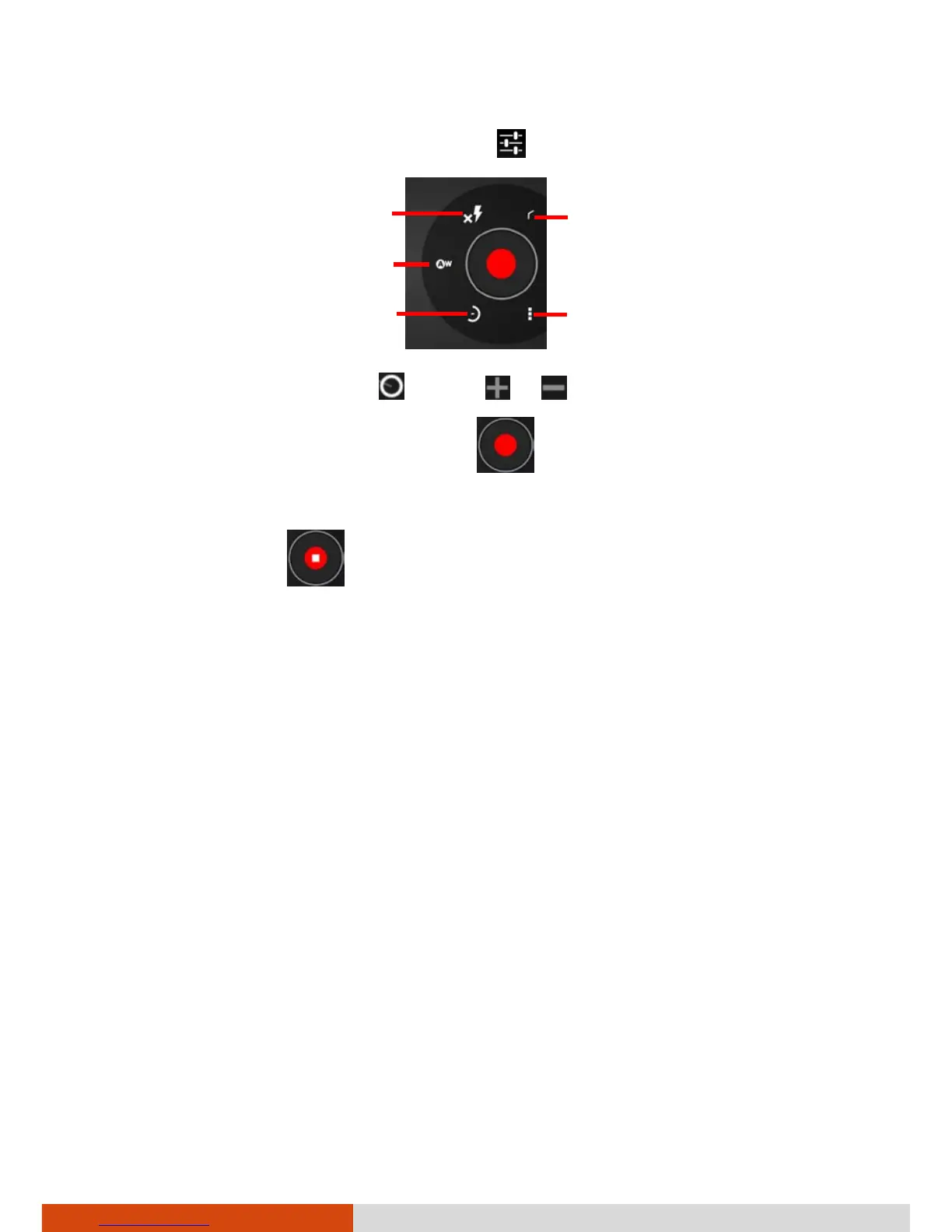
3. If you want to adjust settings, touch .
4. To zoom in or out, drag
toward or .
5. To start shooting the video, touch
.
The elapsed time shows at the corner.
6. To stop, touch
.
7. An image from your most recent video is displayed as a thumbnail at the
corner. You can touch the thumbnail to view the video.
The file is saved to the internal SD card of your device.
Return
Flash mode



 To Next Page