6-2
Getac Applications
1. To configure barcode options, use Barcode Config as described in the
next section.
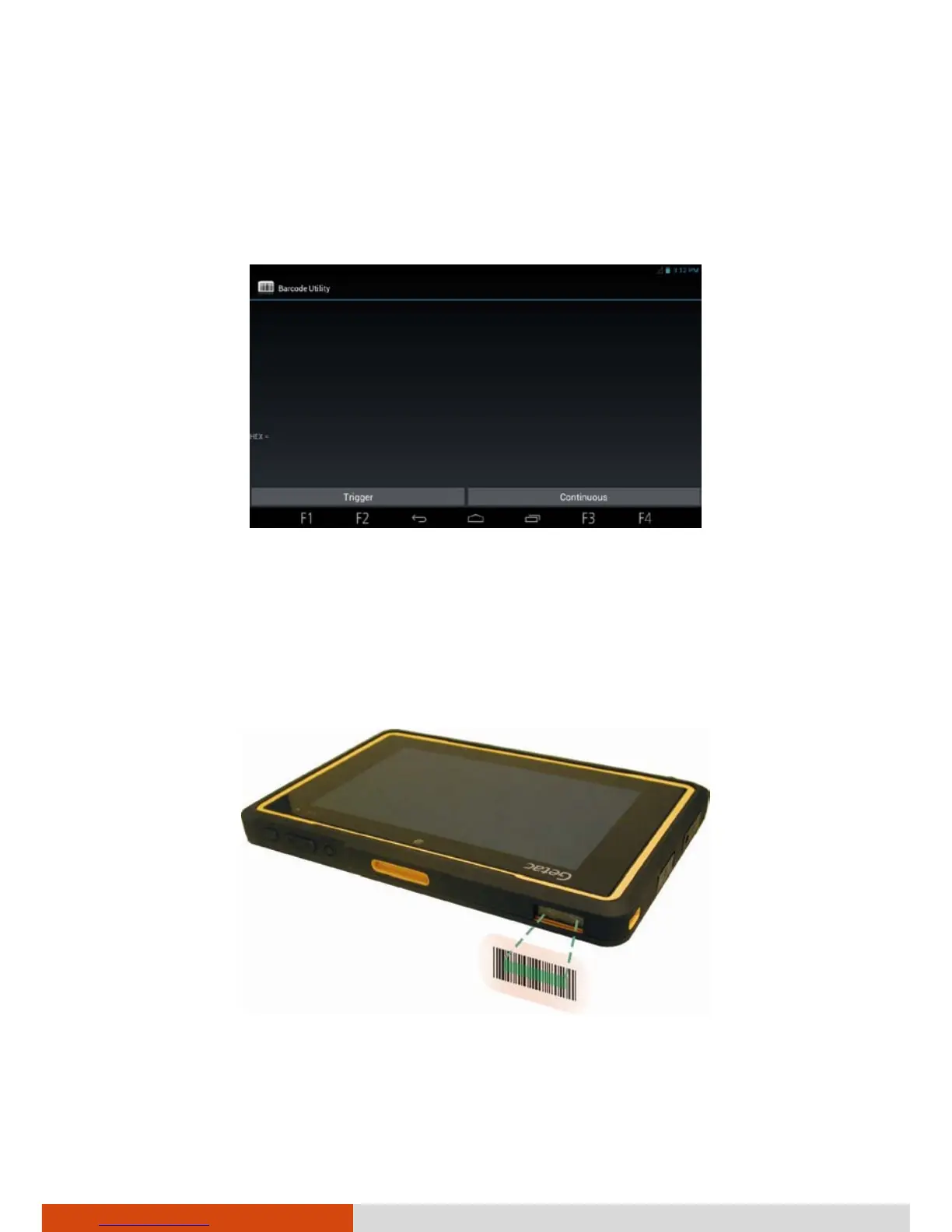
2. Touch the Barcode Utility shortcut on the Home screen or touch Barcode
Utility in the All Apps screen.
3. To scan one barcode at a time, touch Trigger
To scan continuously, touch Continuous.
4. Aim the green scan beam so that it is centered over the barcode. Adjust
the lens’ distance from the barcode, shorter for a smaller barcode and
farther for a larger one.
NOTE: If the code being scanned is highly reflective (e.g., laminated), it may
be necessary to tilt the code +5° to prevent unwanted reflection.



 To Next Page