15
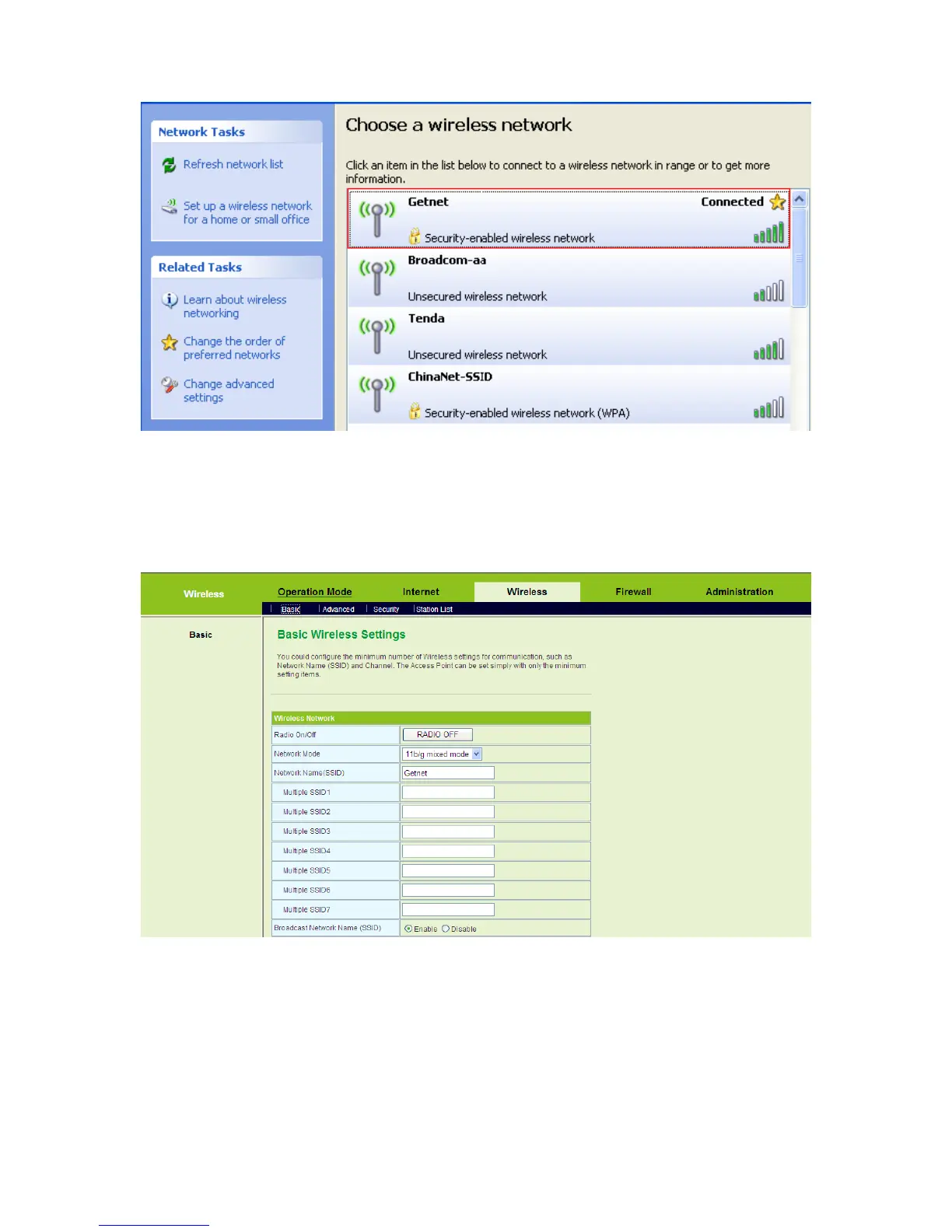
Step5 If you are not sure of the SSID available, please log in to the Web page of
AP, and view the SSID on the Basic Wireless Settings page. For more
information about the wireless settings, please refer to 5.4 Wireless
Settings (Gateway Mode).
Note:
After your wireless network card connects to AP successfully, usually, you should
set the network adapter to be Obtain an IP address automatically.
3.5 Log In to the Web Page



 To Next Page