98
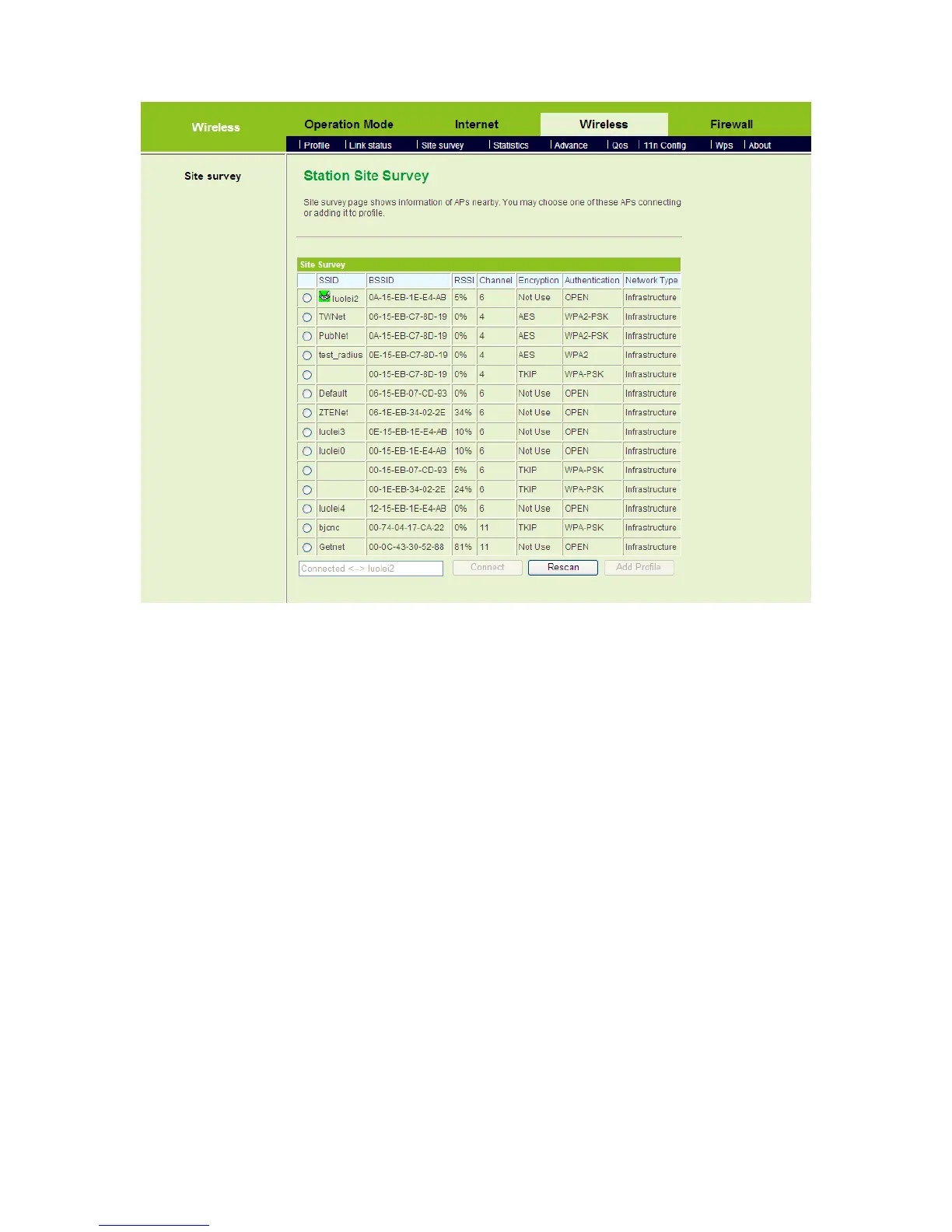
On this page, you can view the scanned APs, scan the nearby APs, connect an AP, or
add the connection parameters of an AP to the profile list.
Connect an AP
If you want to connect an AP, choose the AP’s SSID, and then click the Connect
button. If this AP is not encrypted, click the Apply button on the following page to
establish connection.



 To Next Page