23
enable DNS Proxy and change your network setting. Assign the IP address of current
DNS server to be the LAN IP address of the GR-534W. If you use P2P software, the
UPnP function needs to be enabled.
After finishing setting, click the Apply button to apply the settings.
4.2.3 WAN Settings
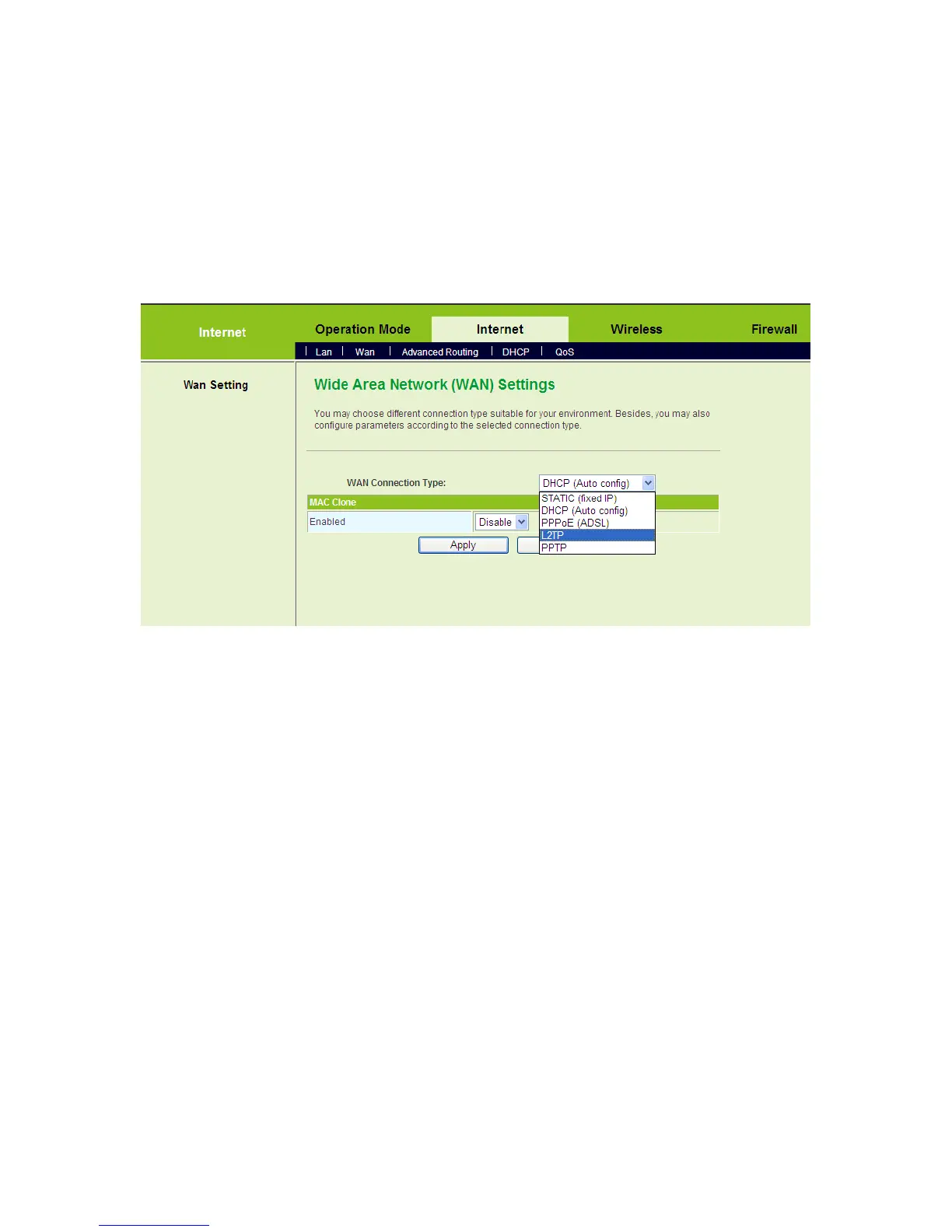
Click Internet > WAN to display the Wide Area Network (WAN) Settings page.
This page provides 5 types of WAN connection modes, including STATIC (fixed IP),
DHCP (Auto config), PPPoE (ADSL), L2TP, and PPTP. On this page, select the
proper WAN connection type according to the connection types provided by your ISP,
and configure its parameters.
After finishing setting, click the Apply button to apply the settings.
4.2.4 Wireless Settings
Click Wireless > Basic to display the Basic Wireless Settings page.



 To Next Page