48
necessary.
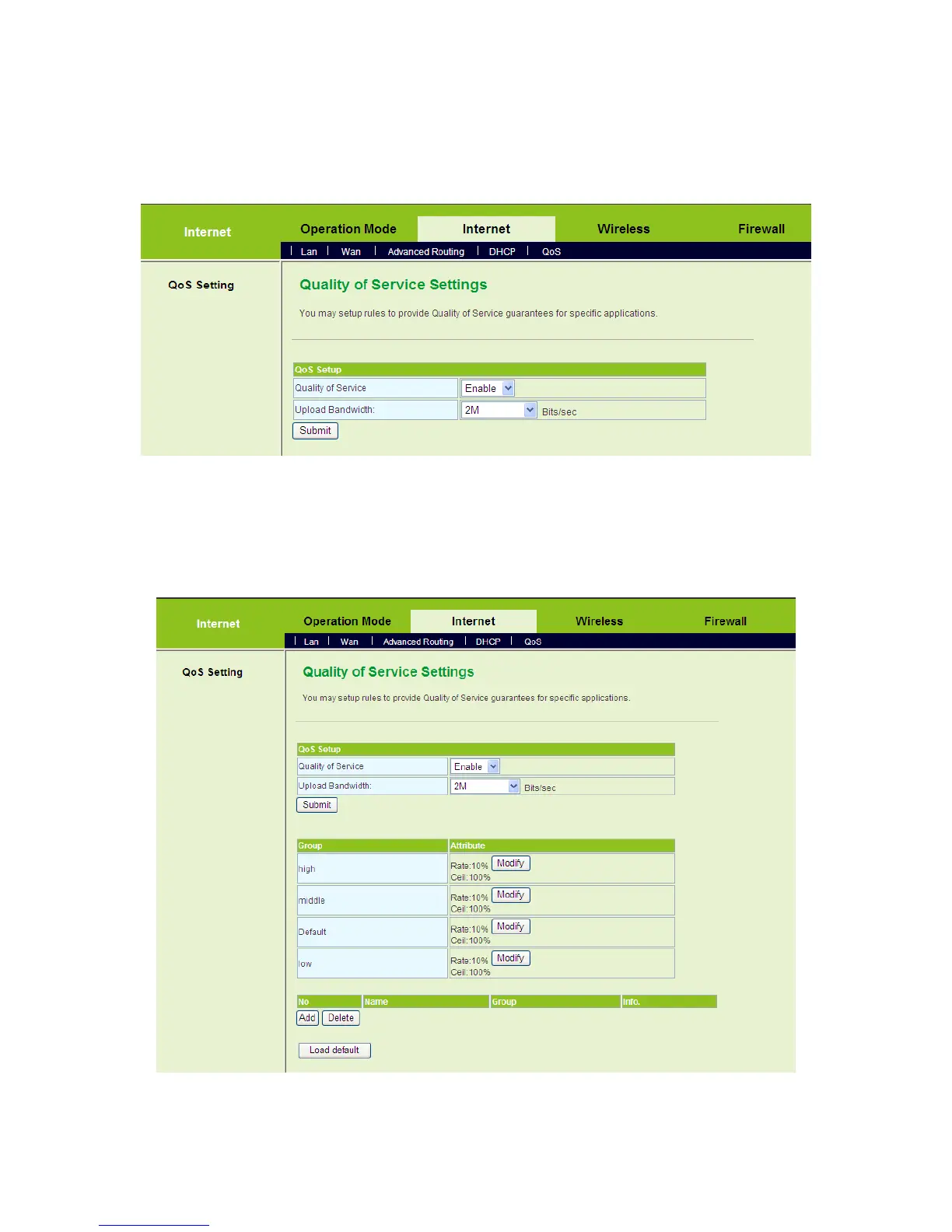
The examples of QoS Settings
- Set the Upload Bandwidth
On the Quality of Service Settings page, enable the QoS, and set the upload
bandwidth. For example, set the value of upload bandwidth to be 2Mbps.
After finishing the settings, click the Submit button to submit the settings and the
following page appears.
- Modify a Group Attribute
After enabling QoS, system establishes 4 groups. Click the Modify button of the



 To Next Page